Features
Everything Trice can do, in one place.
Generation
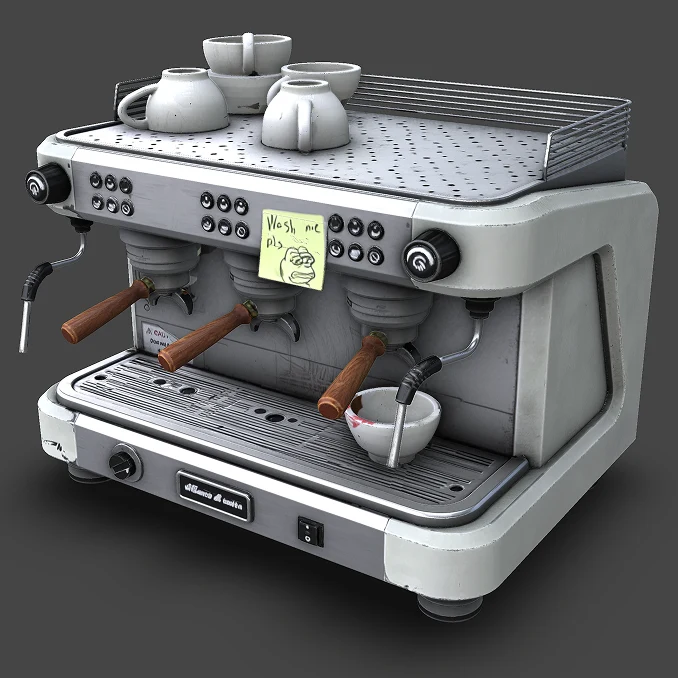
AI Generation
Turn a single photo into a textured 3D model, right inside the Studio.
Performance
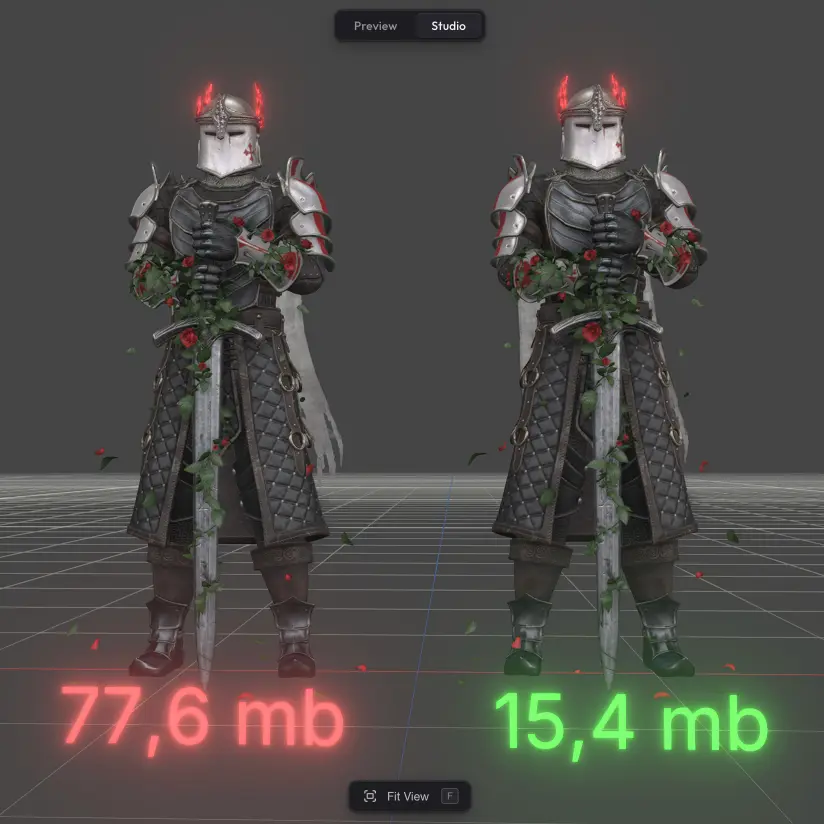
Optimizer
Compress 3D models up to 95% — meshopt and WebP, no visible quality loss.
Interaction
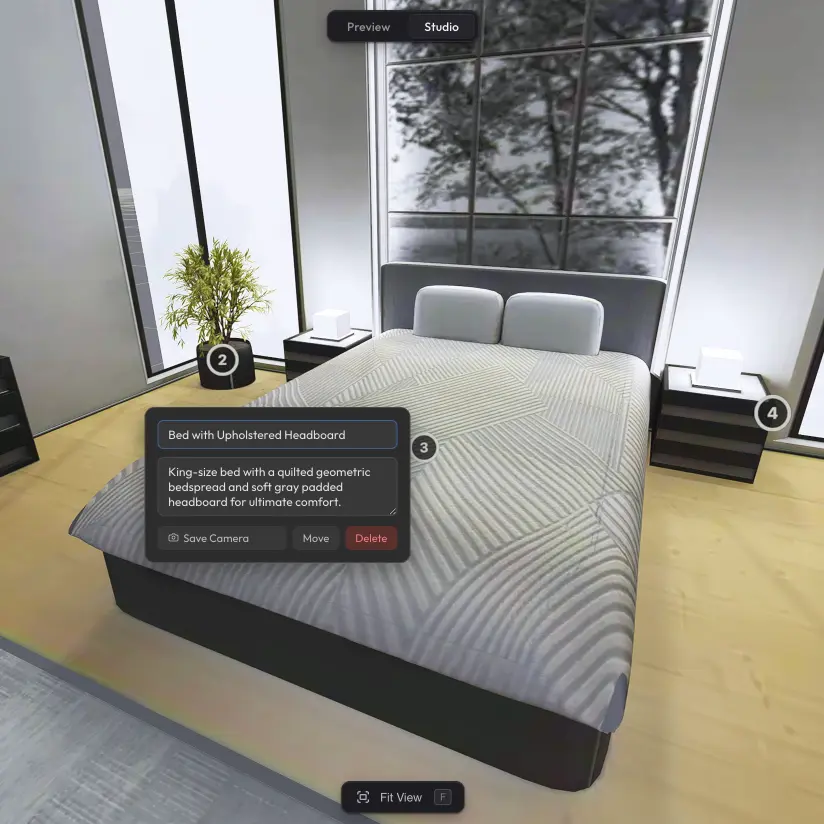
Hotspots
Place interactive markers and build guided tours through any 3D scene.
.webp)
Interaction
Drag Interaction
Let viewers move or rotate parts of your scene with cursor or touch.
Interaction
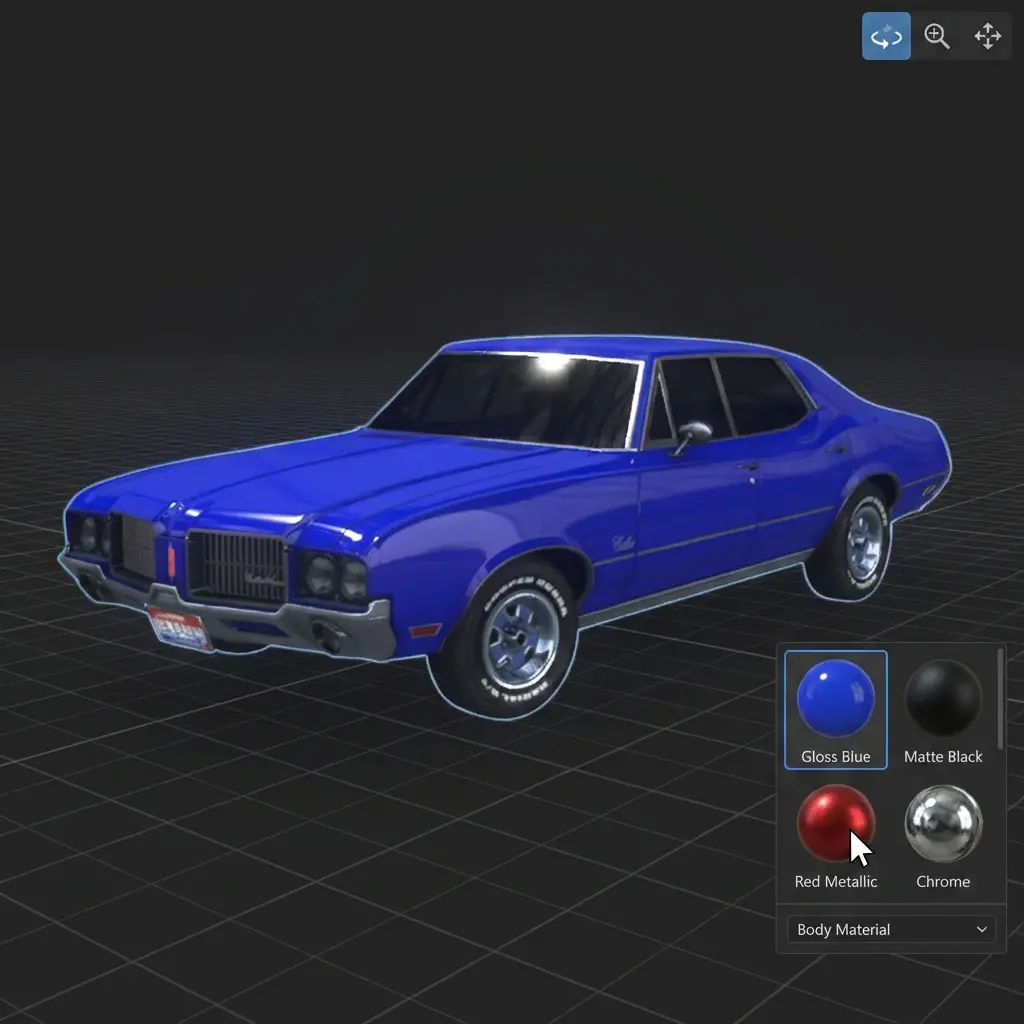
Material Switcher
Let viewers swap material variants in your published scene.
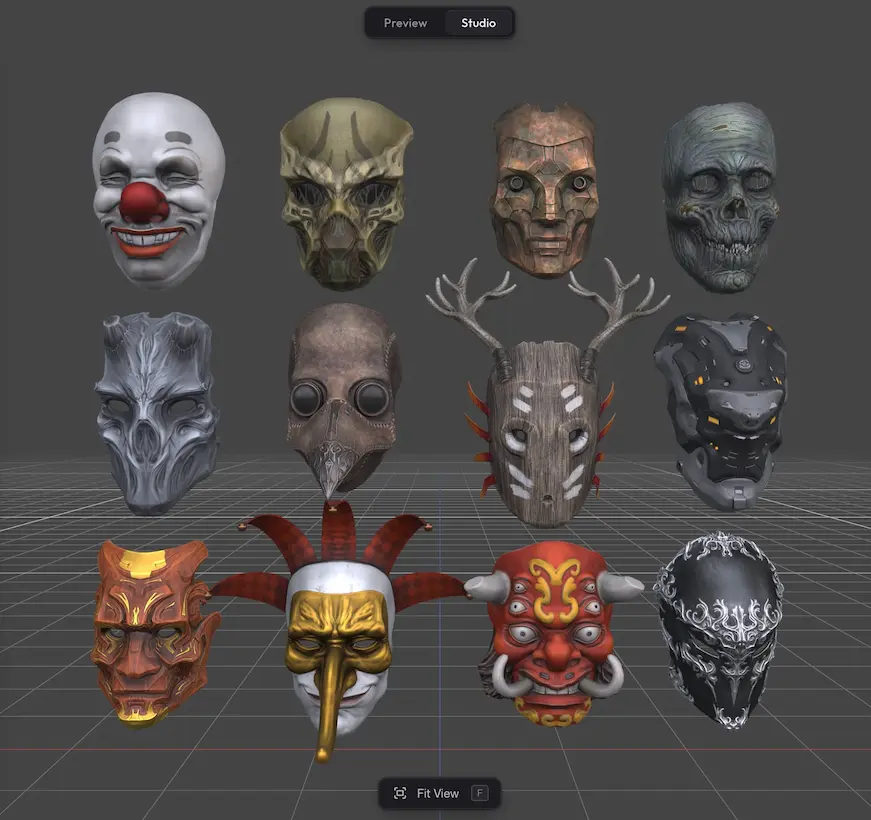
Interaction
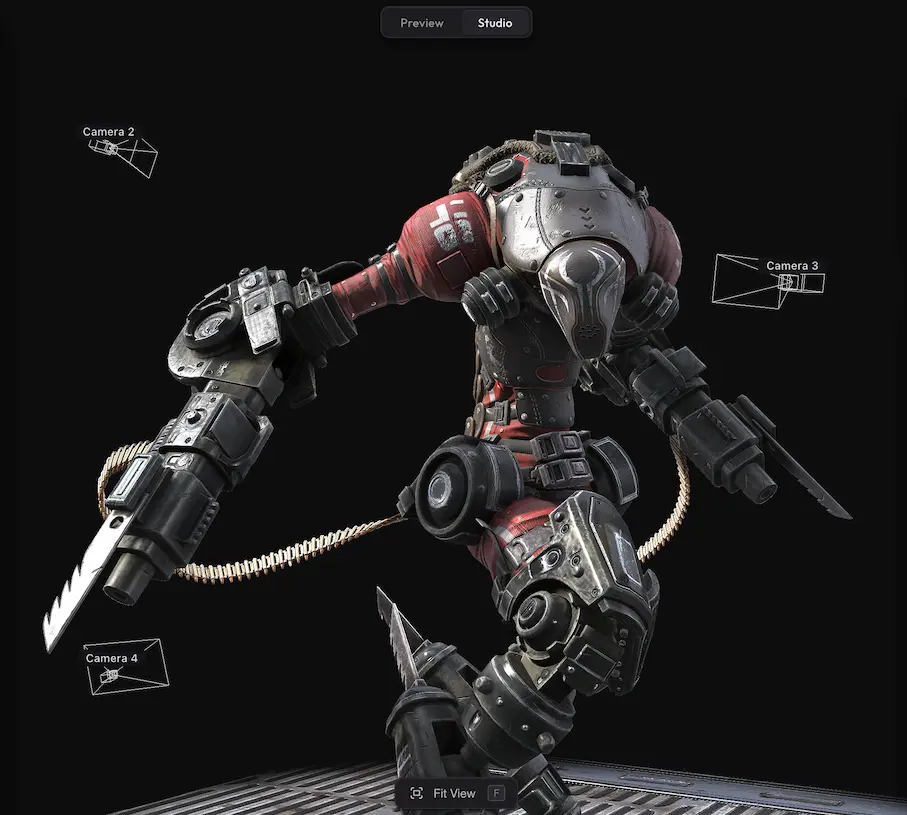
Variant Switcher
Toggle visibility groups in your scene with smooth crossfade transitions.
Interaction
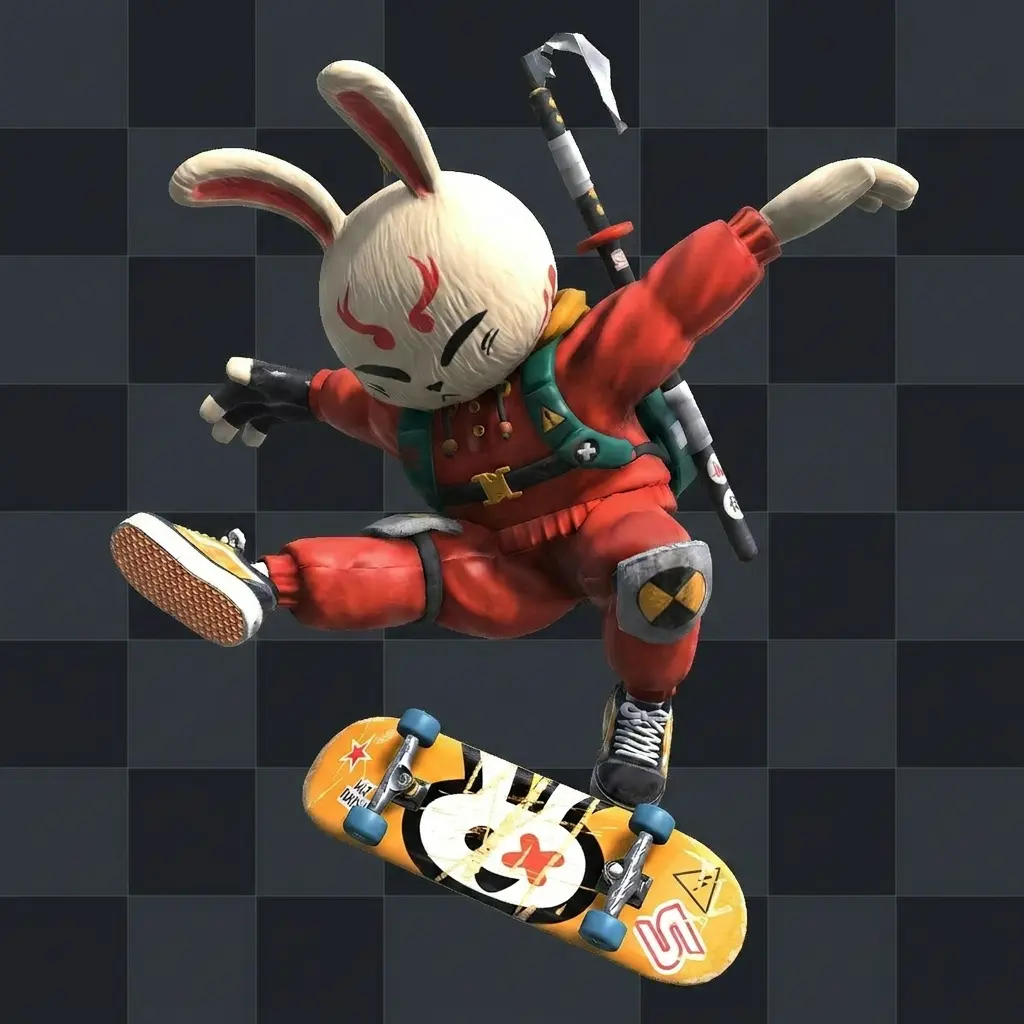
Camera Switcher
Save camera positions and animate between them on demand.
Export
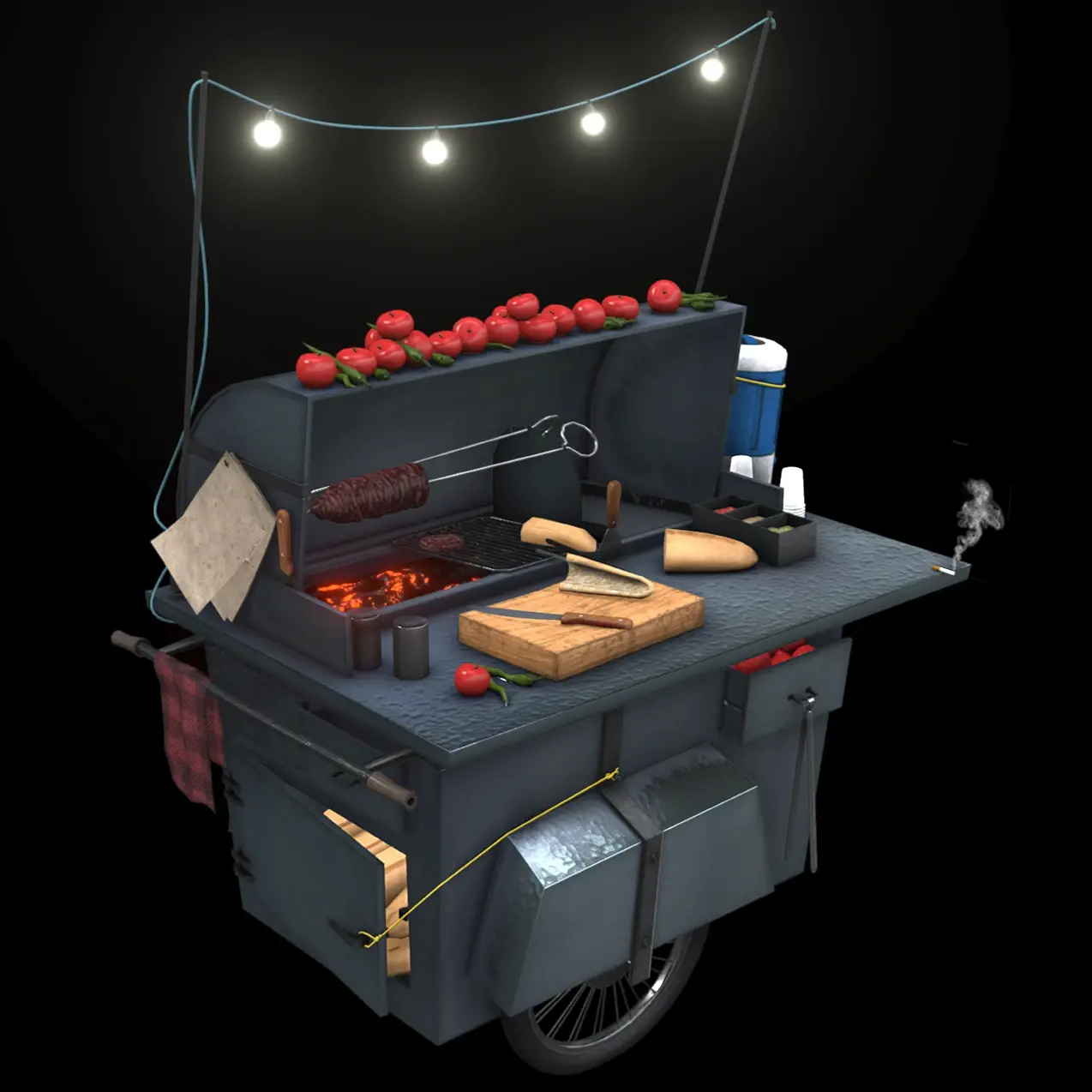
Image Export
Capture high-resolution stills from any camera angle.
Export
Video Export
Render your scene as an MP4 — camera transitions, turntable spins, animation playback.

Export
GLB Export
Download an optimized GLB of any model in your scene — ready for your Self-Hosted setup.
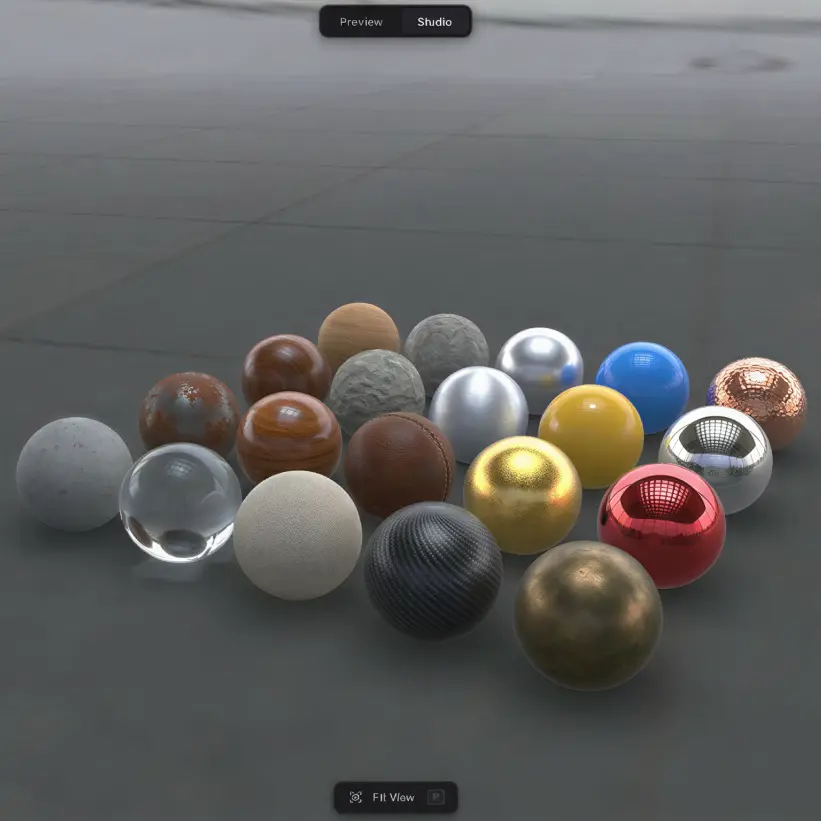
Editing
Material Editor
Take control of every material on your model.
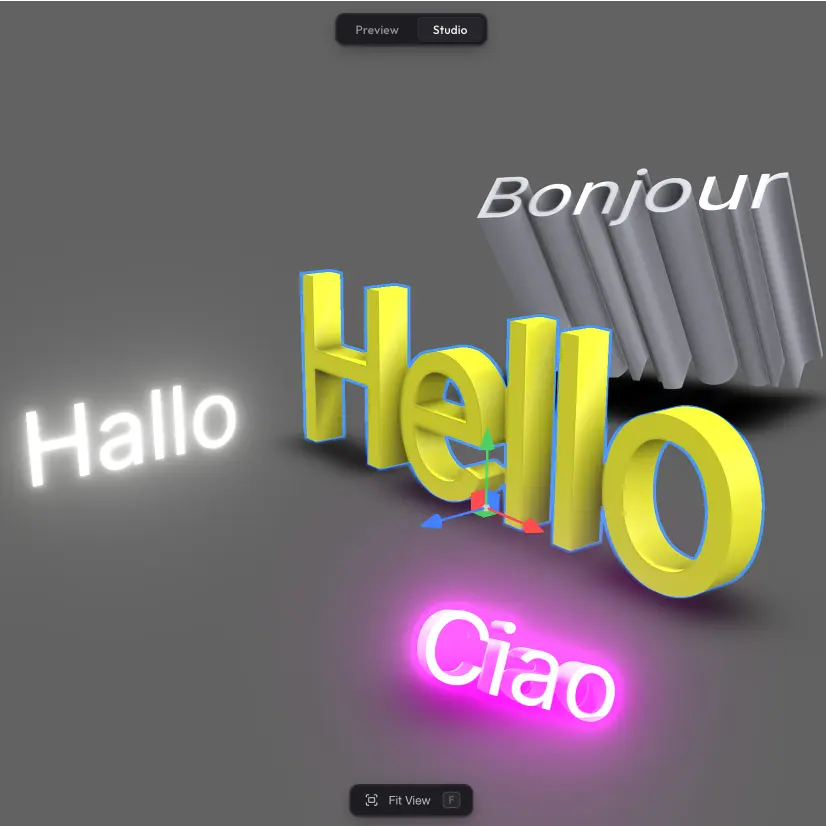
Editing
3D Text
Add and edit 3D text in your scene.
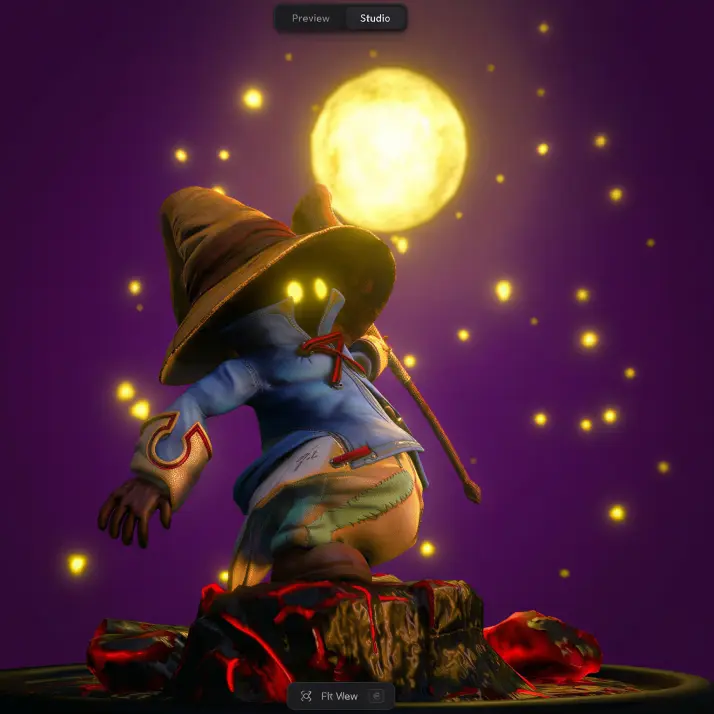
Editing
Scene Settings
Configure your whole scene from one panel.
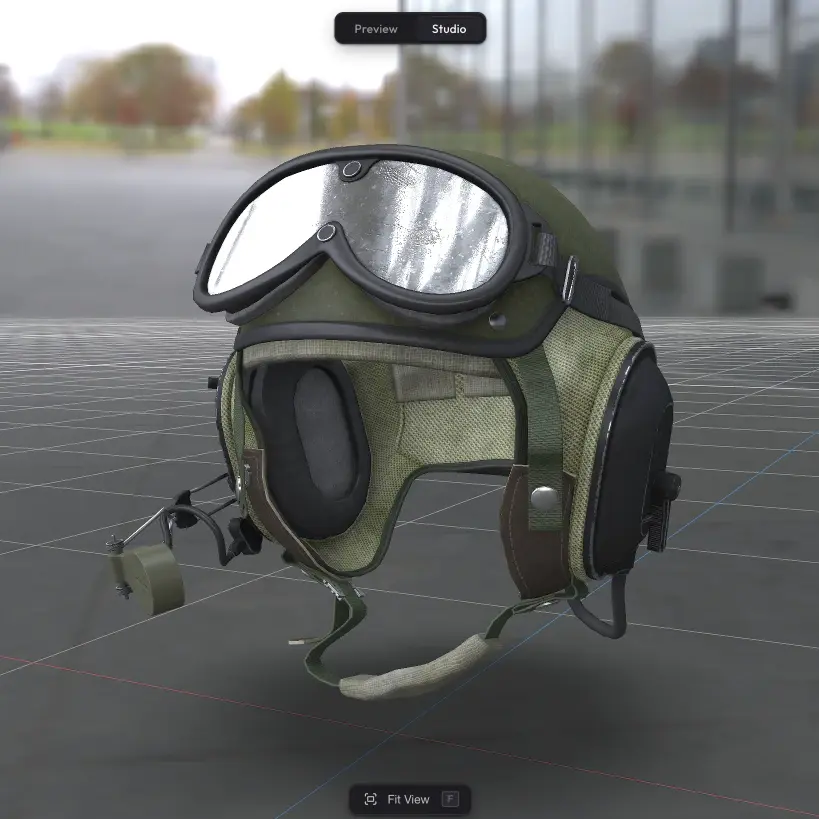
Editing
Background Settings
Choose what is behind your model.
Editing
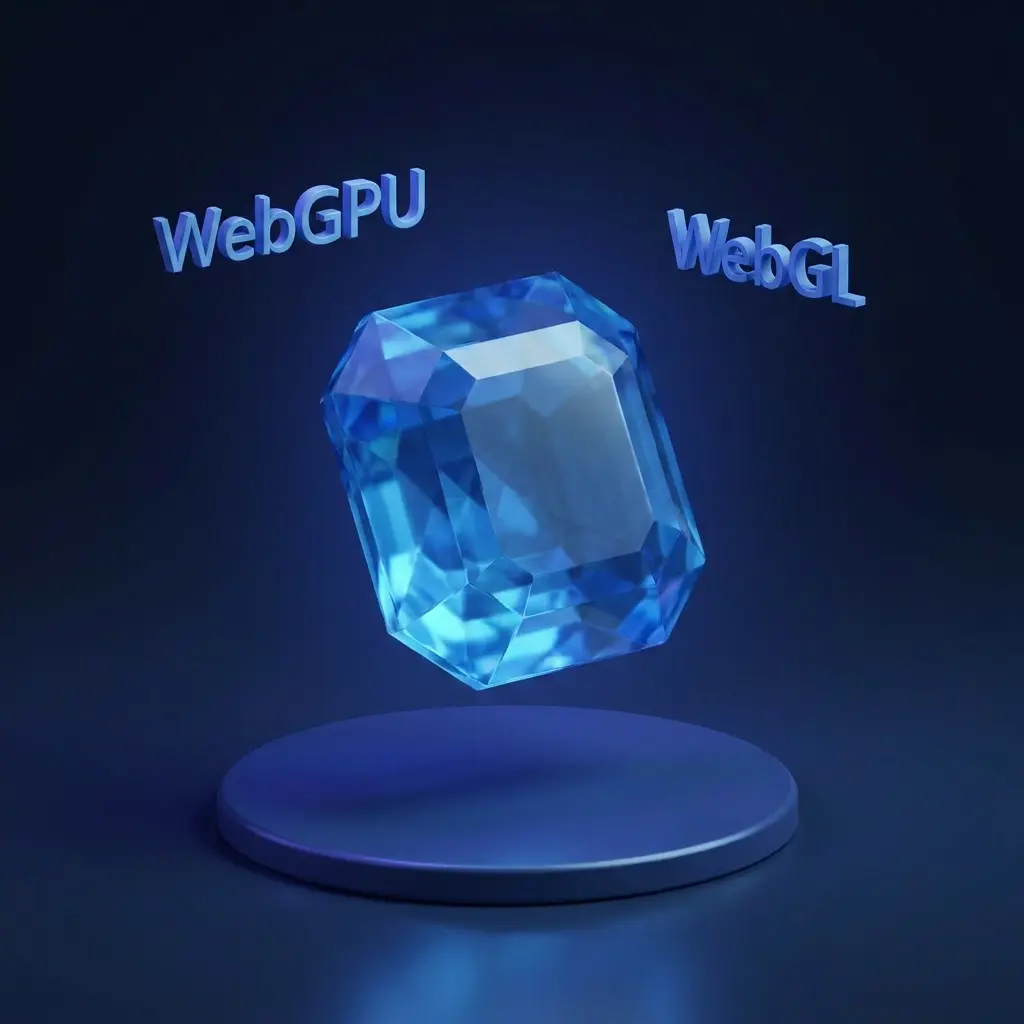
Quality Settings
Tune rendering quality and pick the graphics pipeline.
Rendering
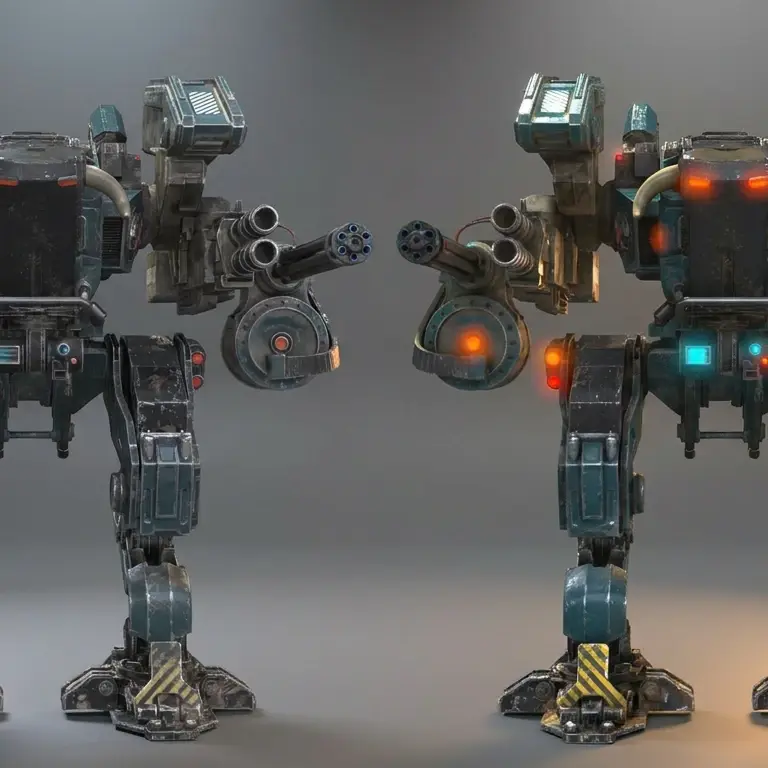
Post-Processing
Turn on and tune the post-processing effects on your scene.
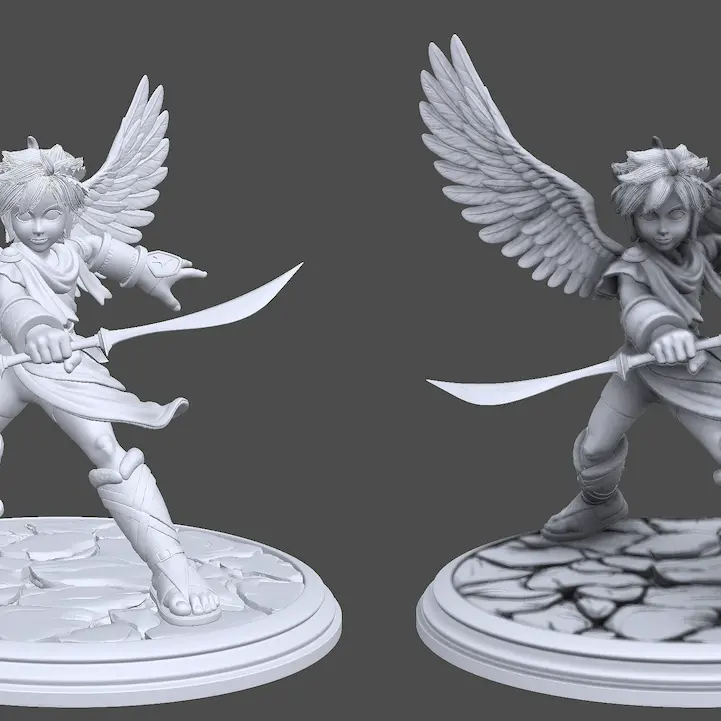
Rendering
Ambient Occlusion
Bring out the depth and detail of any model.
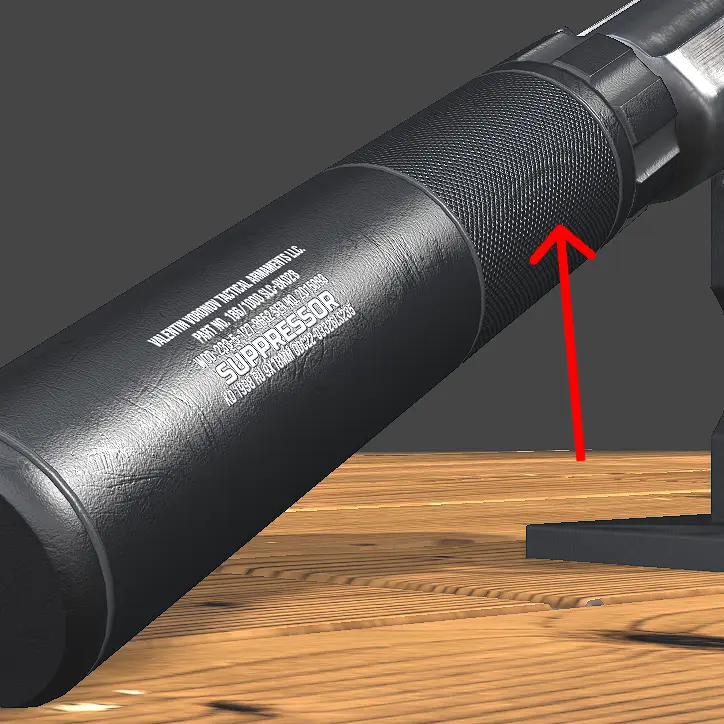
Rendering
Anti-Aliasing
Eliminate jagged edges and visual artefacts.
Rendering
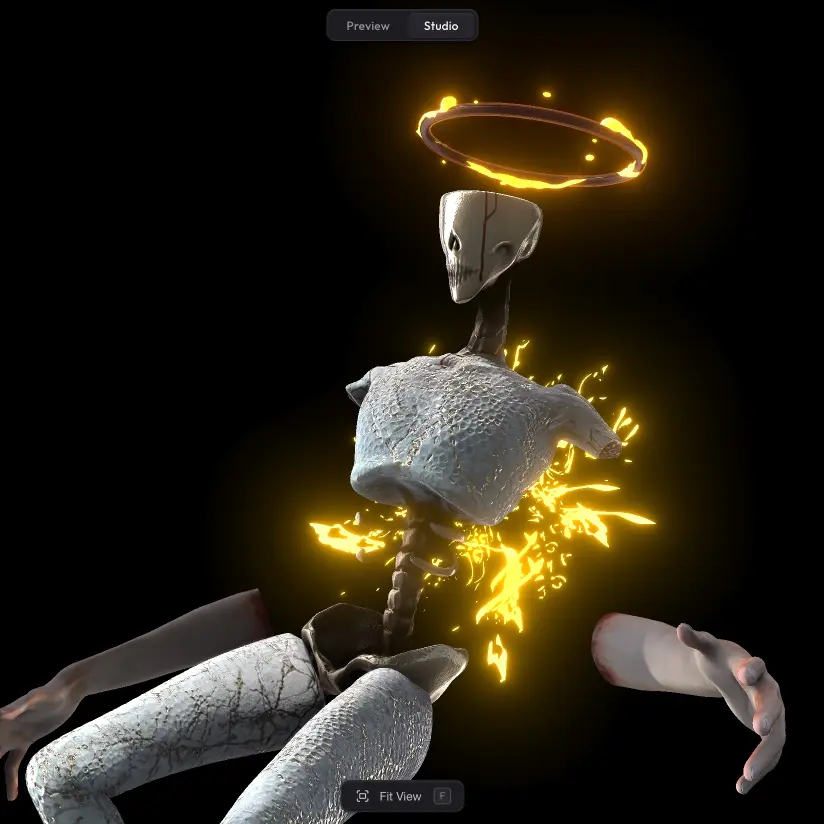
Bloom
Add a soft glow around lights and bright surfaces.
Rendering
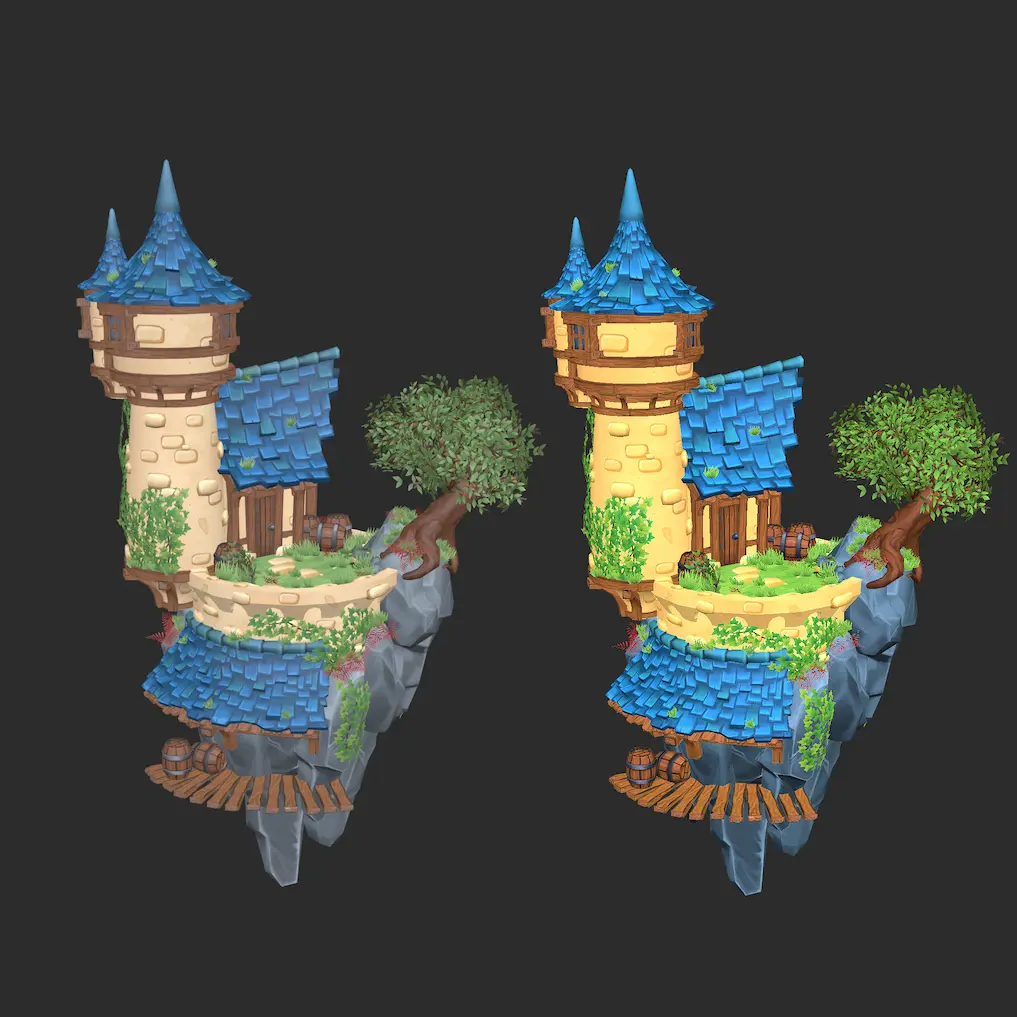
Color Grading & Enhance
Fine-tune the colour and tone of your whole scene.
Rendering
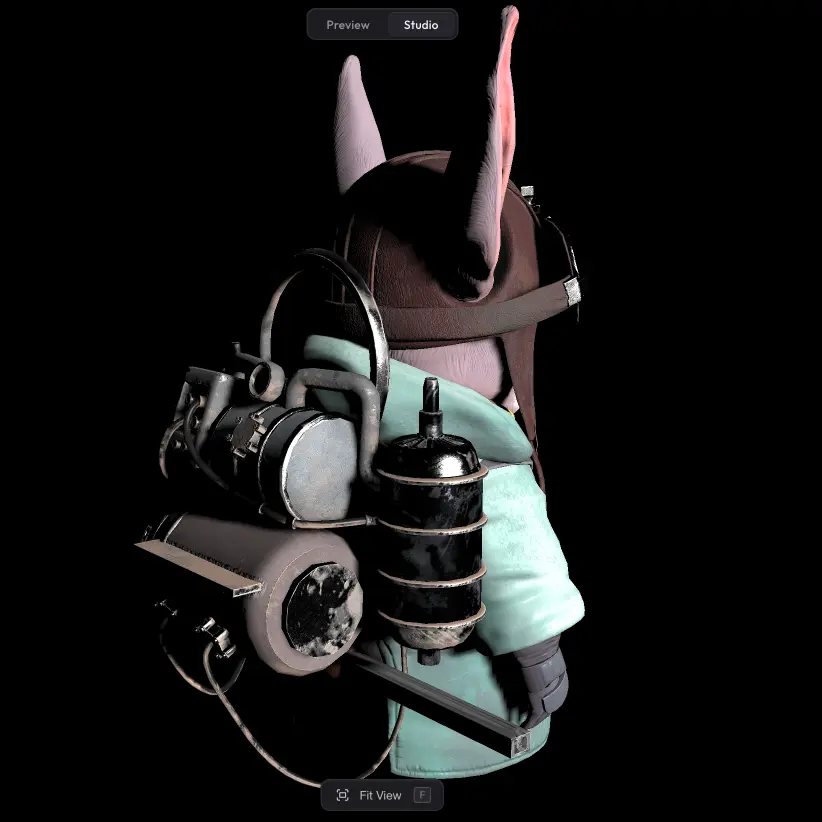
Lighting
Fine-tune the lighting in your scene.
Interaction
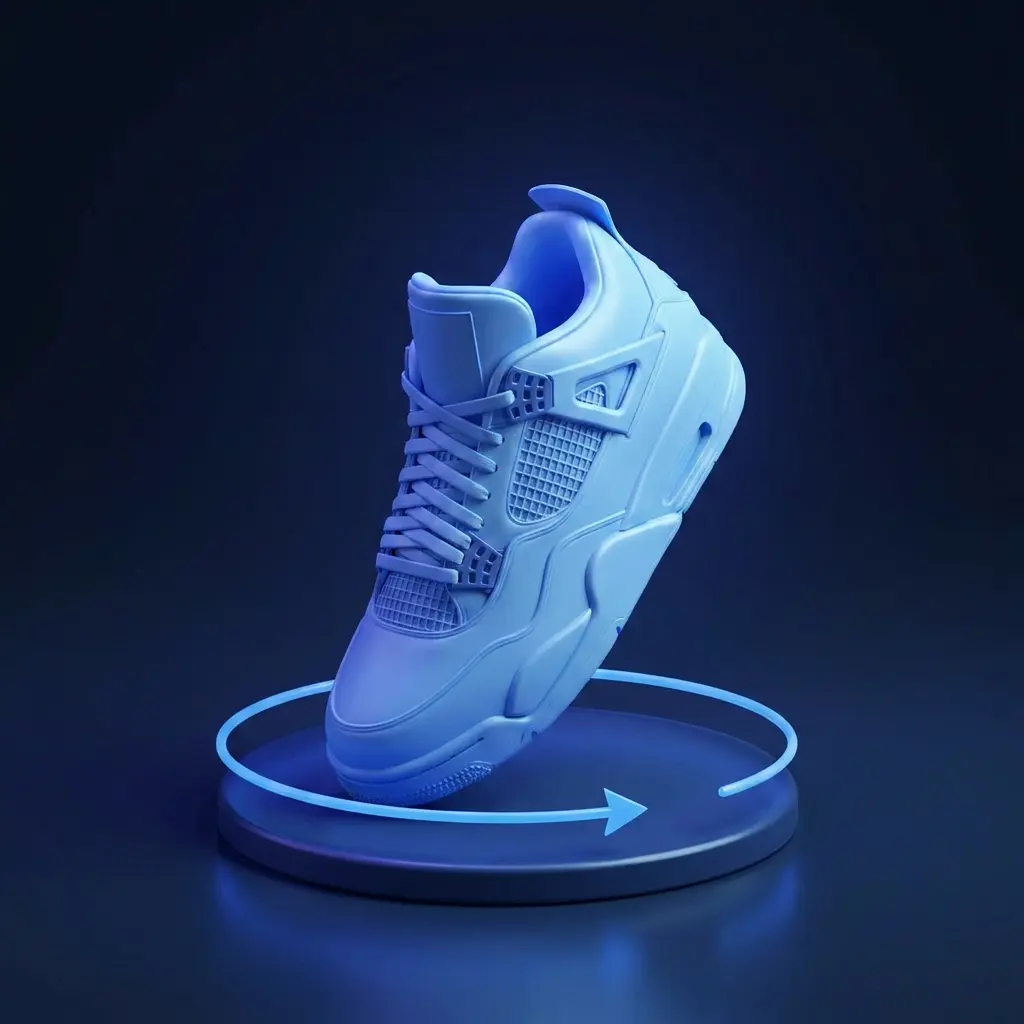
Turntable
Auto-rotate the camera around your model.
Rendering
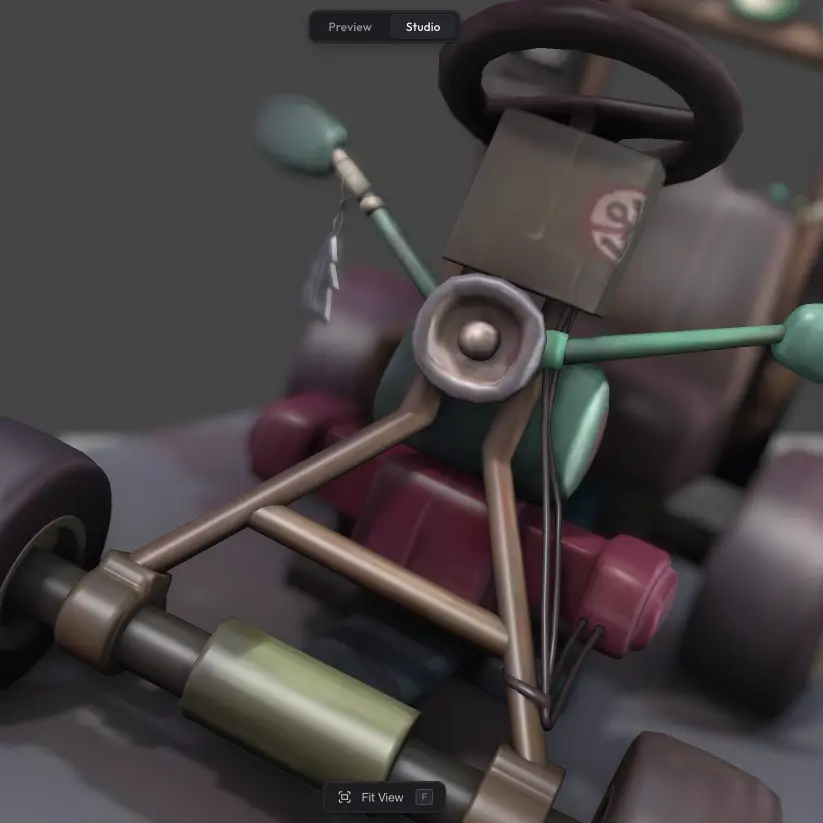
Depth of Field
Blur parts of the scene to focus attention on the subject.
Rendering
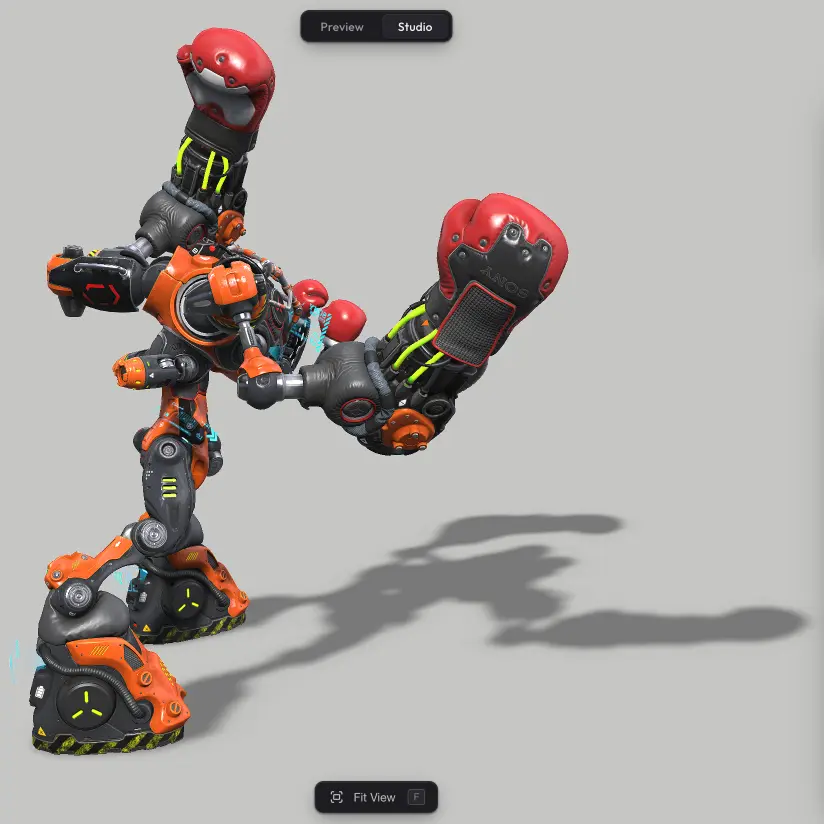
Shadow Catcher
Ground your model with a shadow on the floor.
Performance
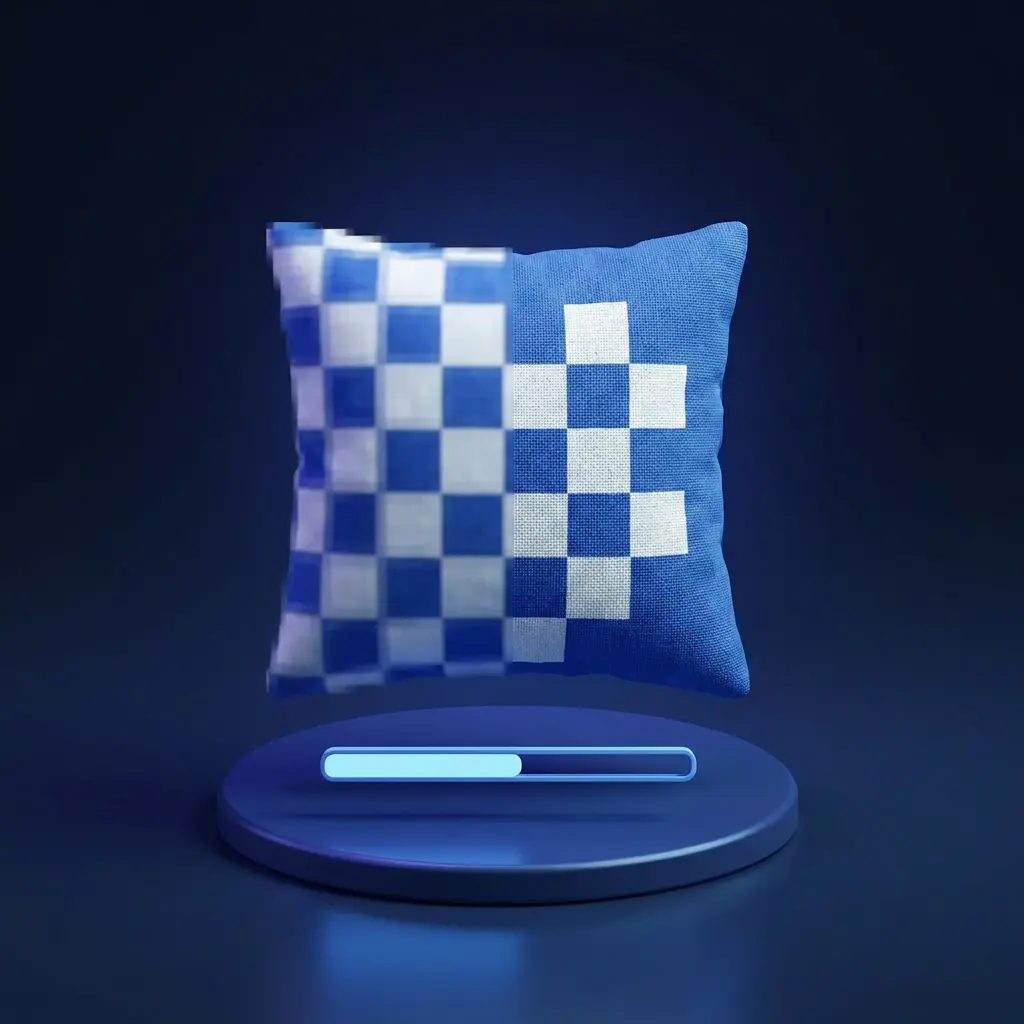
Progressive Textures
Make your scene appear almost instantly with low-res previews.
Sharing
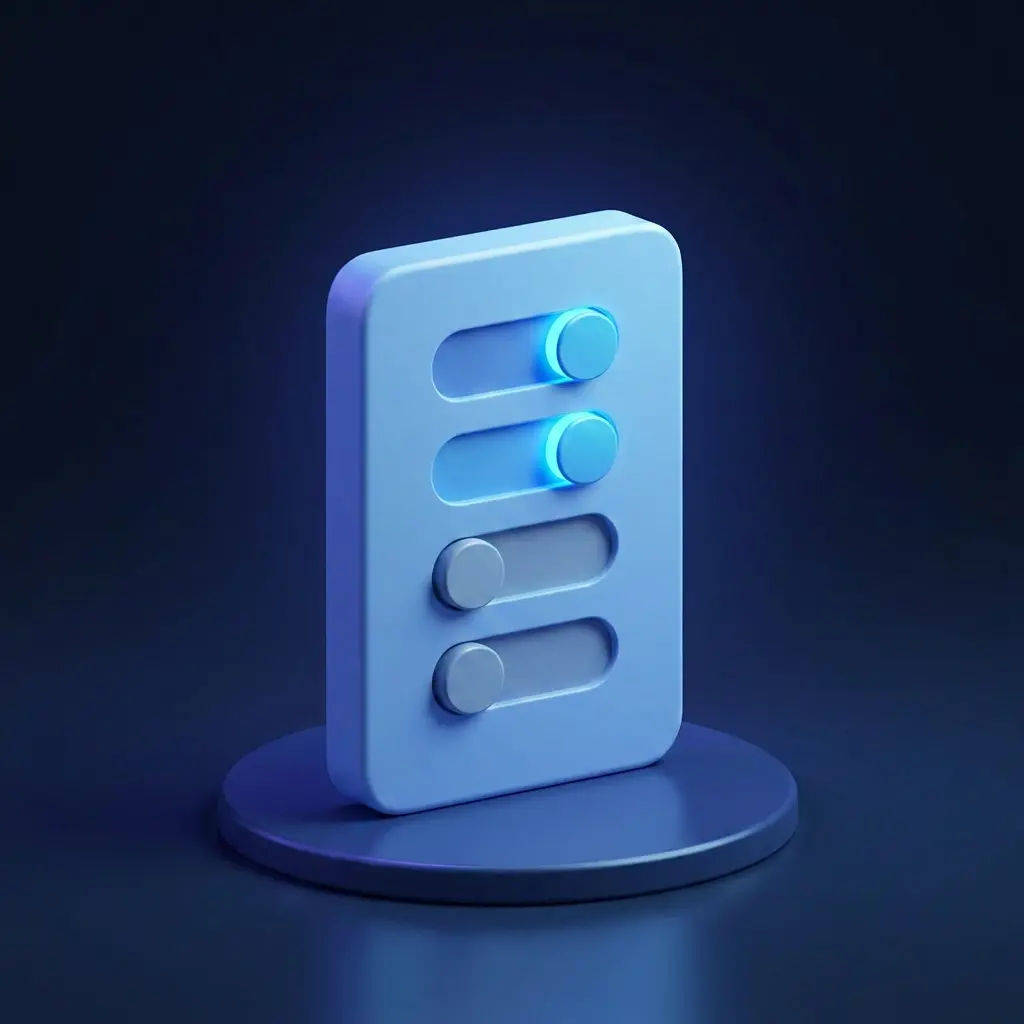
Viewer Features
Choose what visitors can control in your scene.
Interaction
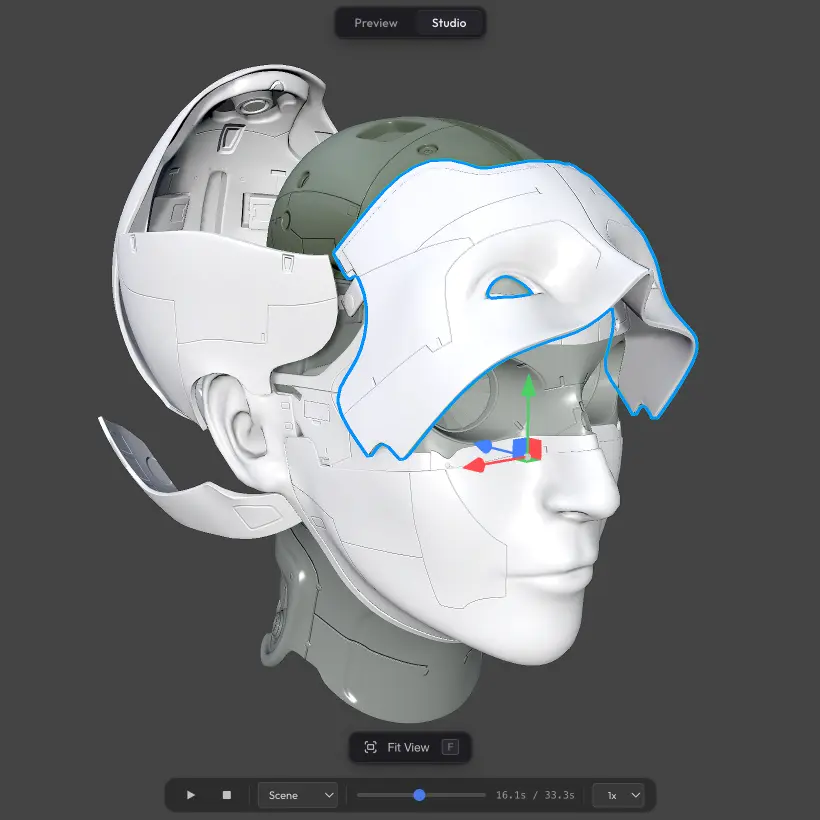
Animations
Play and control animations on your model.
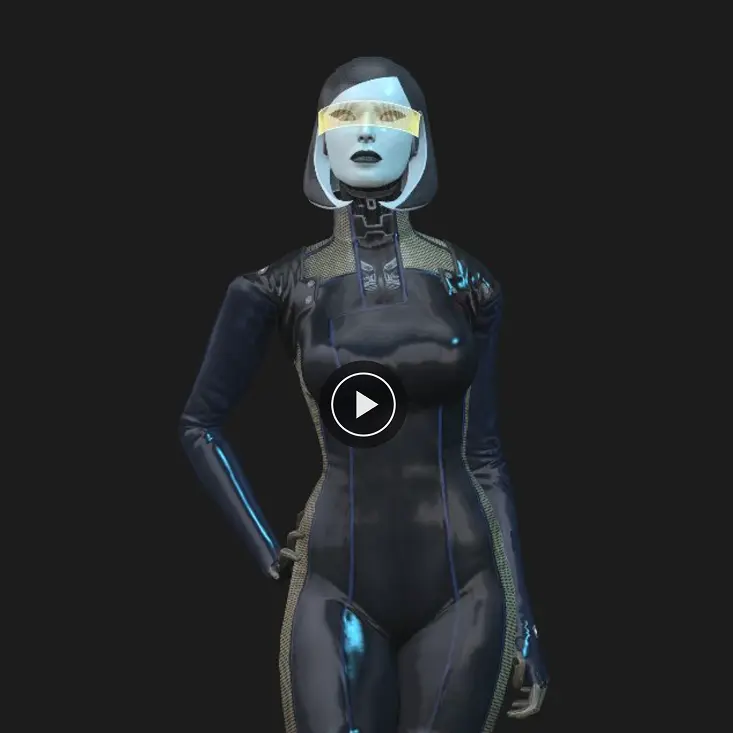
Sharing
Autoplay
Load the scene immediately, or wait for a viewer click.
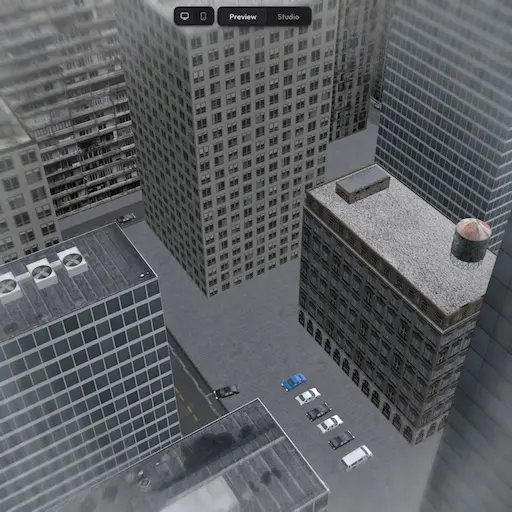
Interaction
Fly Mode
Fly through your scene like a drone instead of orbiting around it.
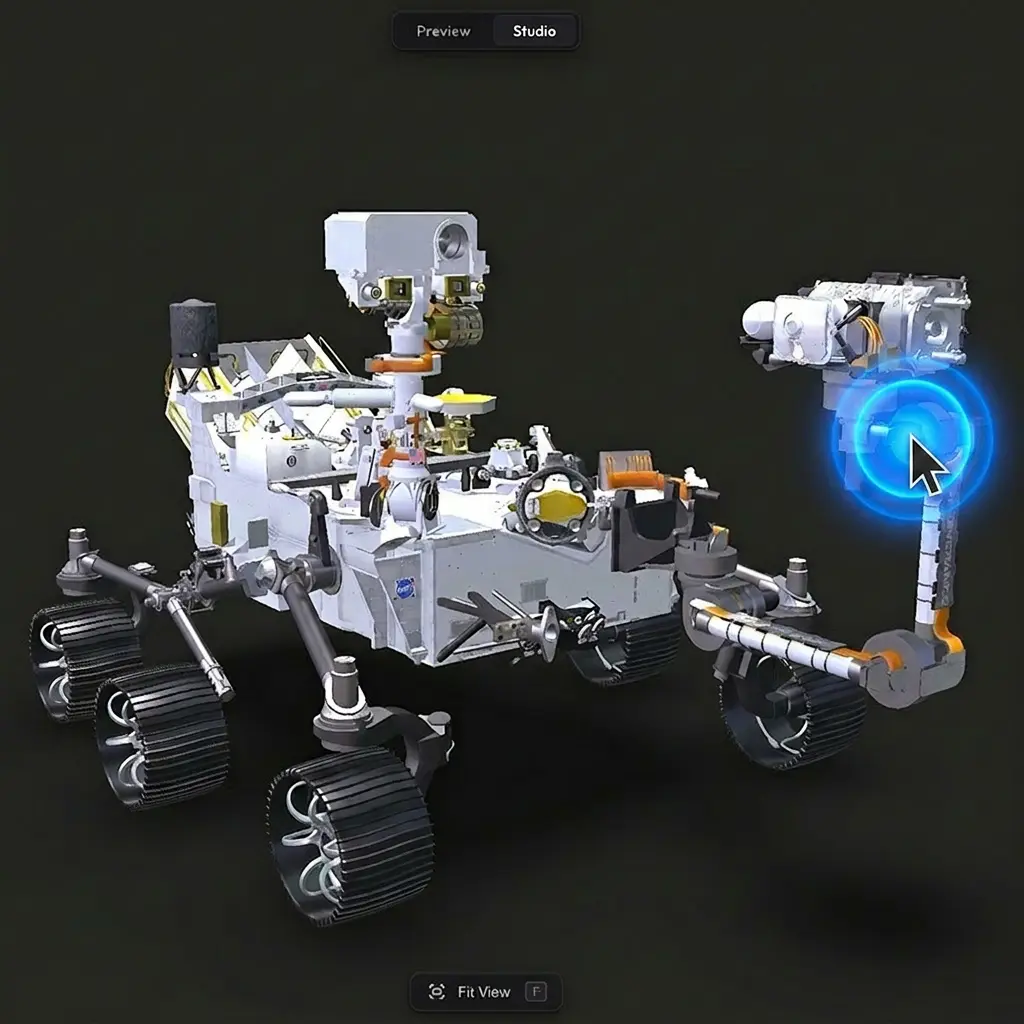
Interaction
Double-Click Focus
Double-click anywhere to focus on that spot.
Sharing
Share & Embed
Share via URL or embed inline on any webpage.