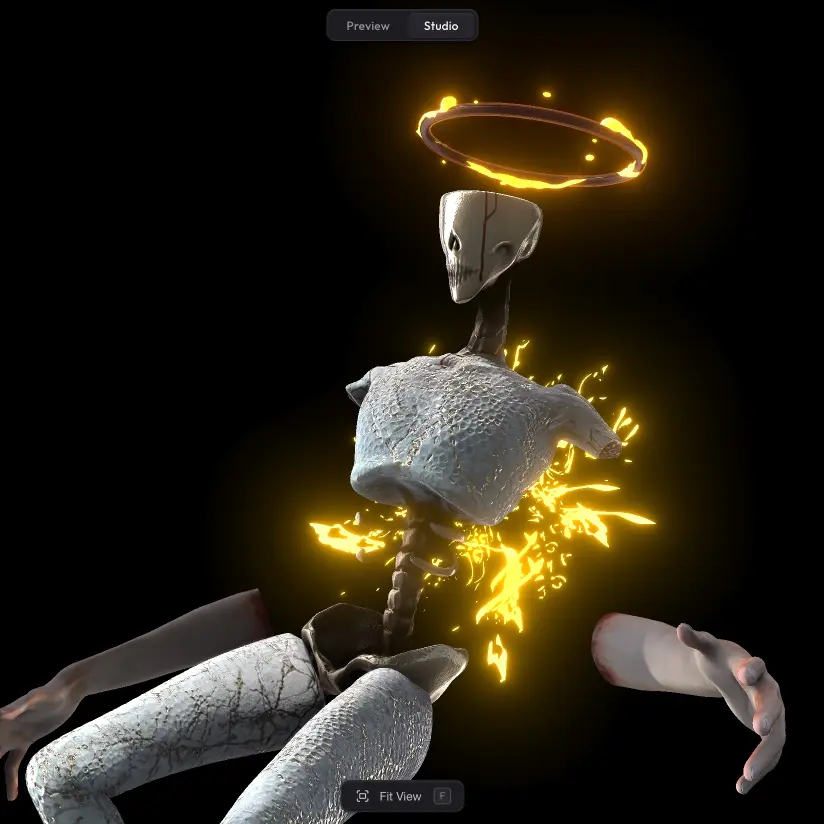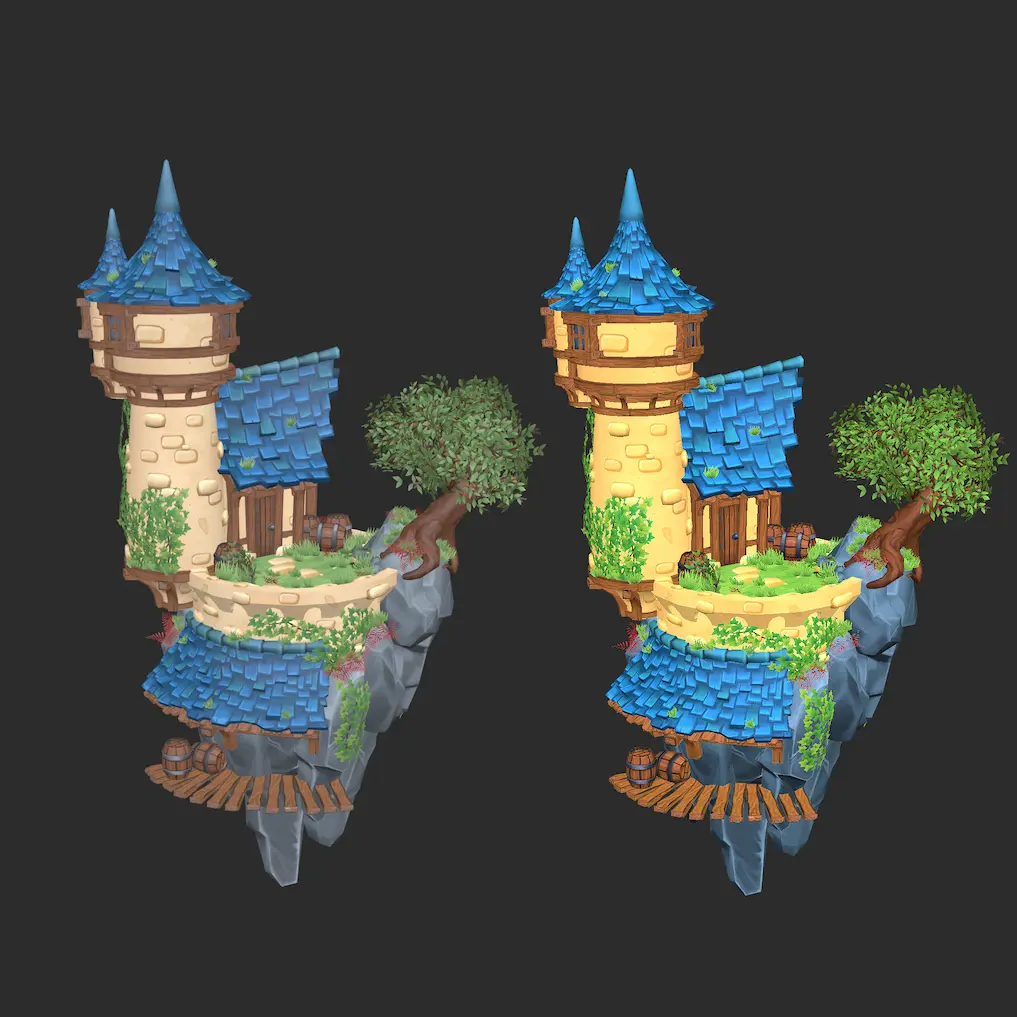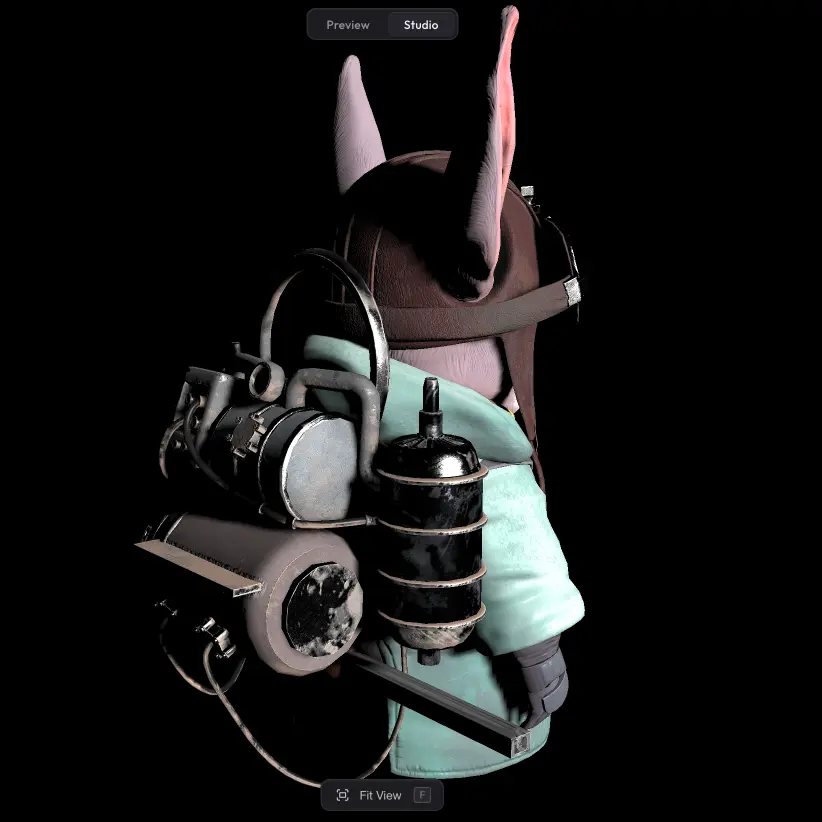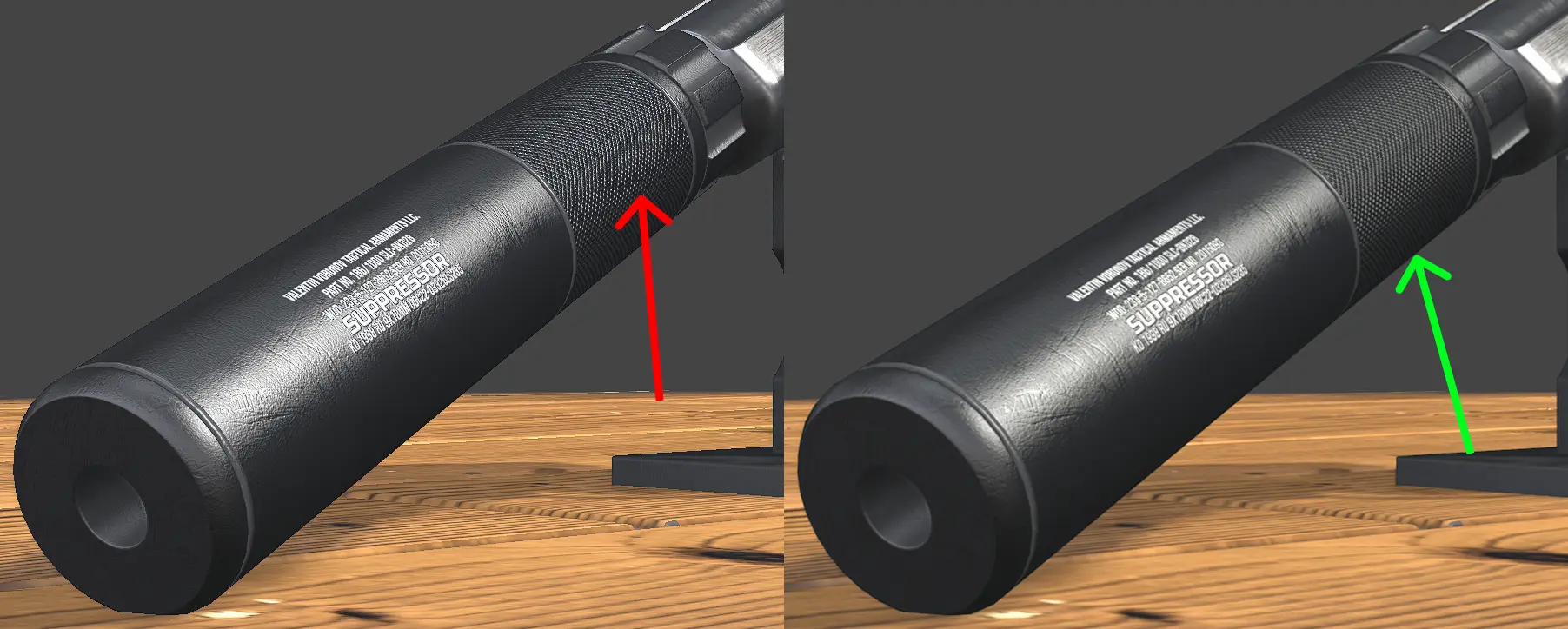
Without anti-aliasing, edges in a 3D scene can come out jagged, and fine details may shimmer or flicker as the camera moves. Turning it on smooths those edges and removes the artefacts, giving the model a cleaner, more polished look.
Settings #
There is one slider: Sharpness. It controls how crisp the anti-aliased edges look — lower values give a softer, smoother result, higher values keep edges sharper while still removing the jagged look.
Run into any issues? #
Anti-aliasing not removing the artefacts you are seeing, or missing a setting that should be there? Drop us a line at hello@trice3d.com or join our Discord and tell us what is going wrong or what you would like to see added.