Geometry simplification for 3D models
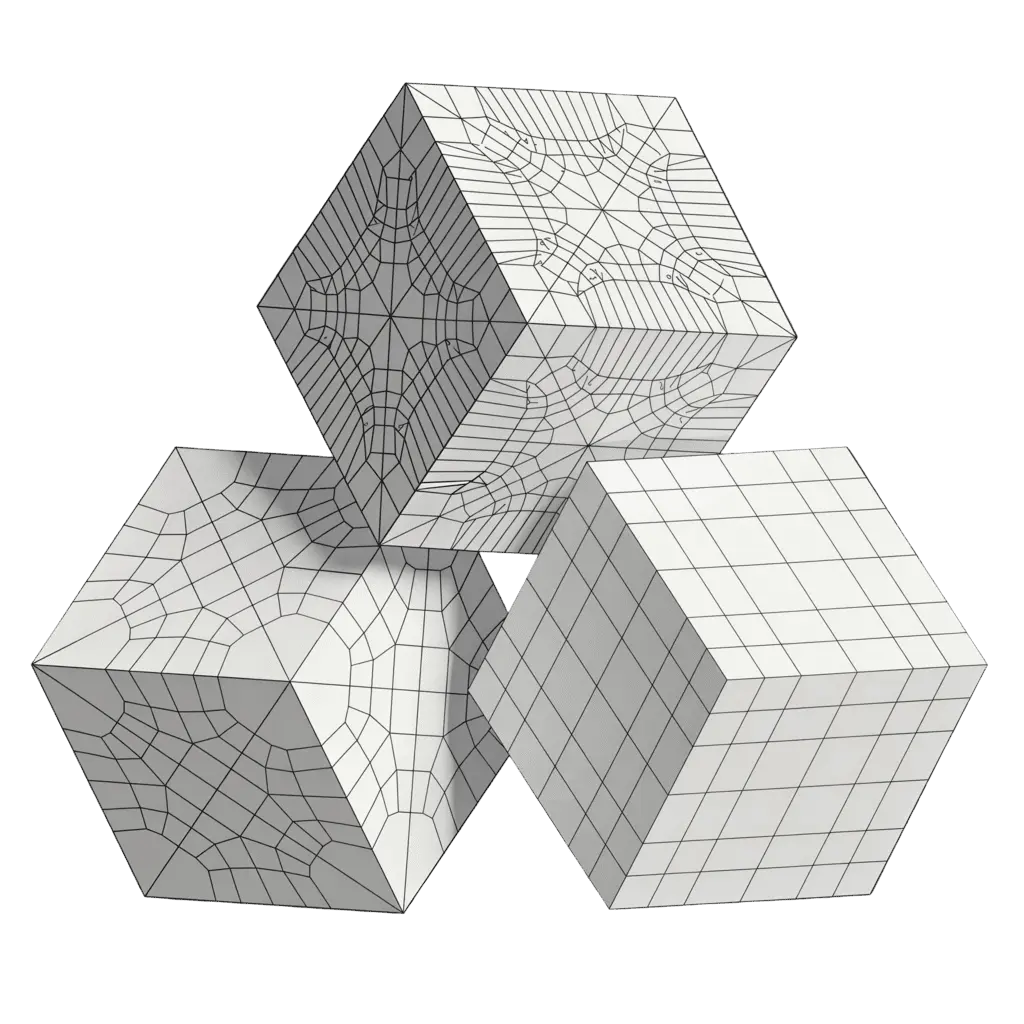
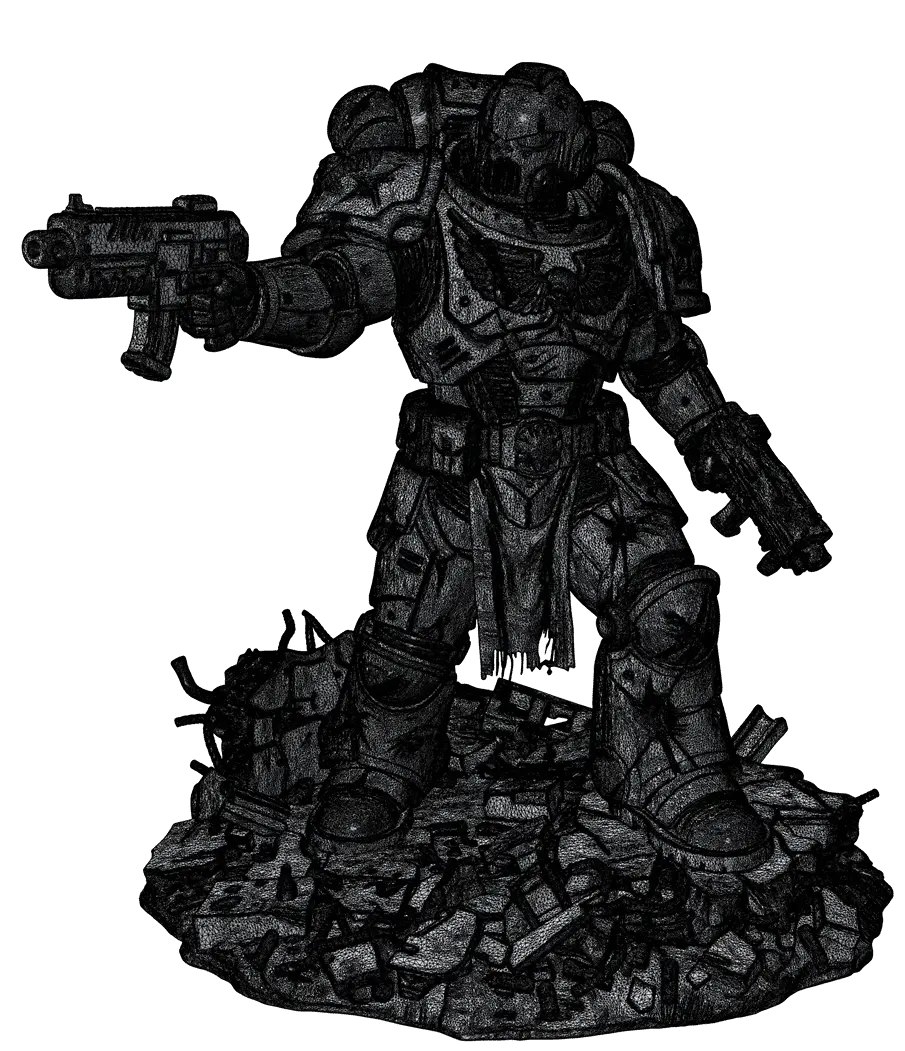
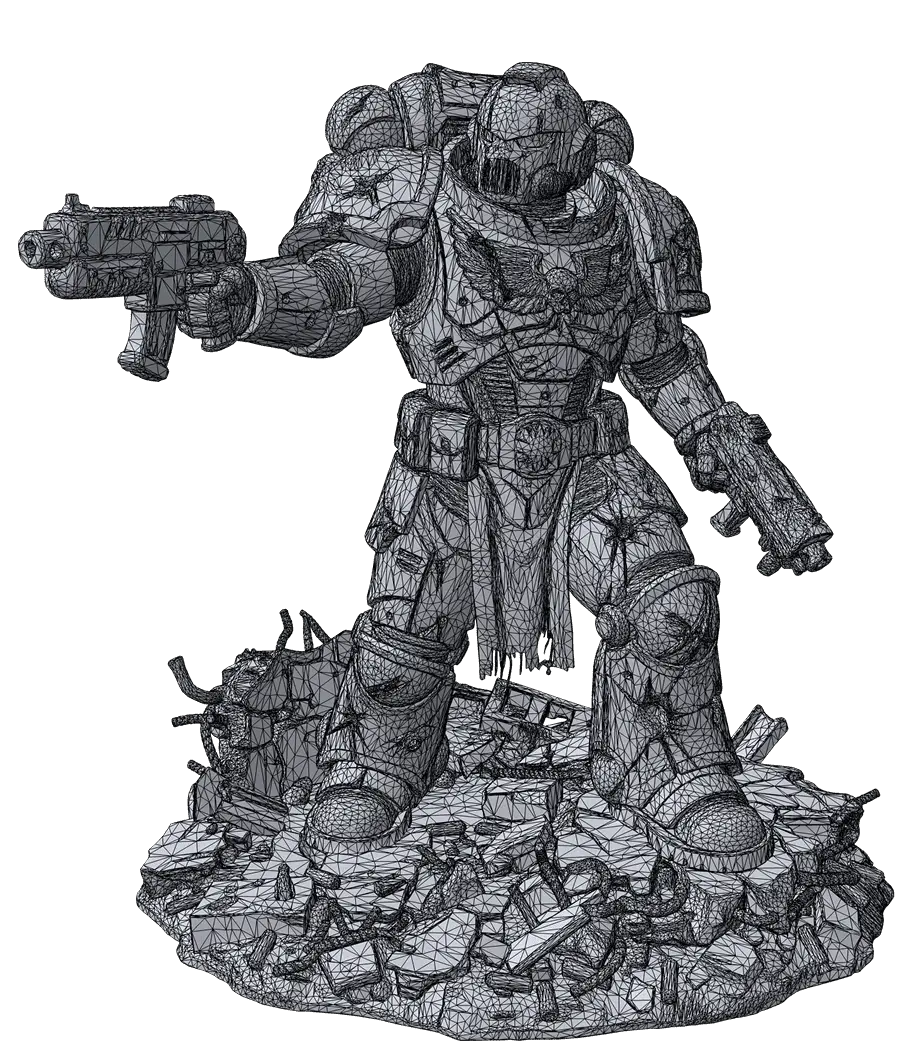
Trice has a powerful built-in optimizer, but sometimes you need to cut polygons drastically. The Geometry Simplifier can reduce a mesh by 10x while keeping its shape. Best for untextured formats like STL, 3MF and OBJ.
How it works
Drop a 3D file
Drag any 3MF, STL, OBJ, GLB, FBX or other supported format into the app.
Set target ratio
Adjust the Strength slider, pick an algorithm, and hit Simplify. Compare before and after in split view.
Export GLB
Save the simplified model as GLB — ready for web, mobile, or Trice Studio.
Fewer polygons, same look
Reduce file size by up to 90%.
Keeps the Shape
The algorithm is smart about what to remove. Your model looks the same — it just weighs a lot less.
Split-View Comparison
Side-by-side viewports with synchronized camera. See exactly what changes before you commit.
10 File Formats
GLB, GLTF, FBX, OBJ, STL, 3MF, DAE, 3DM, PLY, VOX and ZIP archives. Just drag and drop.
Simplify + AO in One App
Simplify geometry and bake ambient occlusion in a single workflow. No need to juggle multiple tools.
System requirements
Frequently asked questions
What is geometry simplification?
Geometry simplification (also known as mesh decimation) reduces the number of polygons in a 3D model while preserving its visual shape. This makes models lighter, faster to load, and cheaper to render — especially useful for web viewers, mobile apps, and real-time scenes.
Does simplification ruin the model's appearance?
It works best with untextured formats like 3MF, STL, and OBJ — the model looks nearly identical even after a 10x reduction. For most models, the built-in optimizer in Trice Studio does an excellent job at reducing file size while keeping full visual quality. But when you need to drastically cut polygon count, the Geometry Simplifier is the right tool. Just keep in mind that textured models may get UV distortion after heavy simplification, so it's always worth checking the result in split view before exporting.
What file formats are supported?
GLB, GLTF, FBX, OBJ, STL, 3MF, DAE, 3DM, PLY files, and ZIP archives containing any of these formats. Results are exported as standard GLB.
Is Geometry Simplifier a separate app?
No — it's built into Trice AO Baker. Open the app, upload a model, and hit Simplify. You can bake AO and simplify geometry in one workflow.
How much can I reduce the polygon count?
Up to 90% or more — it depends on the model. You control it with a single Strength slider, and the app always shows the polygon count before and after so you know exactly what changed. You can redo it as many times as you want to find the sweet spot.
What if simplification breaks my model?
Send us the model and we'll look into what went wrong. You can reach us at hello@trice3d.com or on our Discord.
Is it free?
Yes. Geometry Simplifier is part of Trice AO Baker, which is completely free — no subscriptions, watermarks, or usage limits. It runs entirely on your Mac with no internet connection required.
Simplify geometry in seconds
Free, fast, offline.