AI Generation
Turn any photo into a textured 3D model
Upload a single image and Trice generates a full 3D model with PBR textures.
No Pro plan required (generations sold separately)
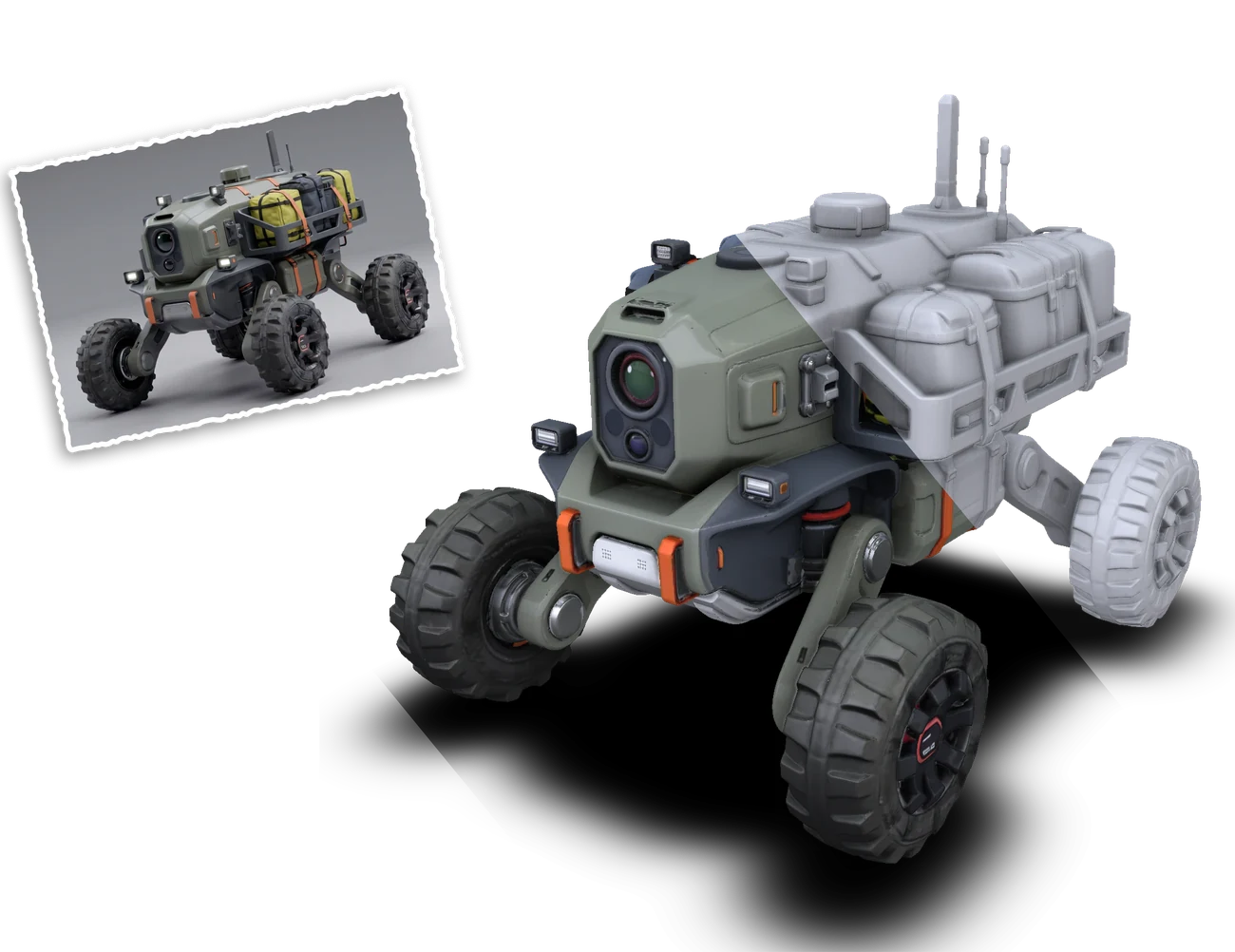
From photo to model
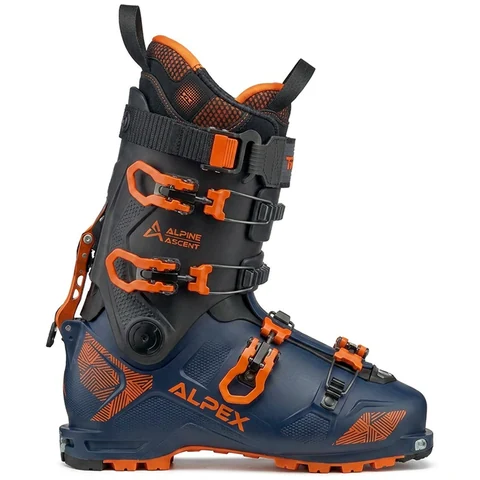
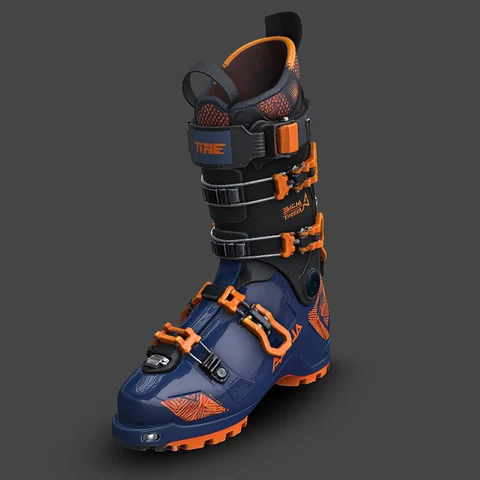
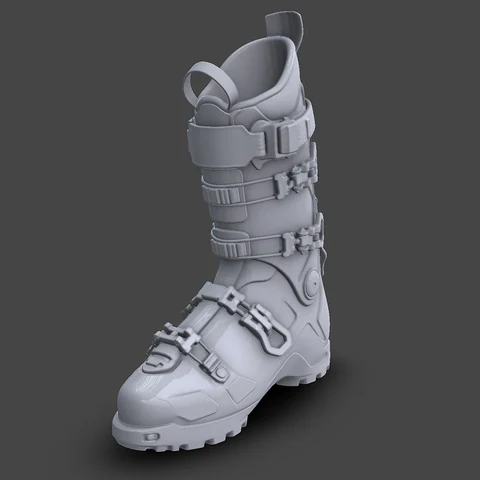
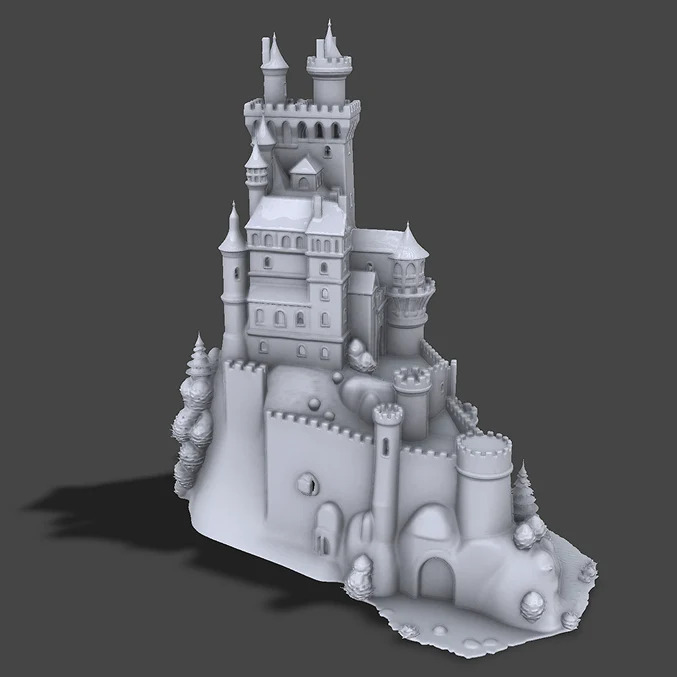
A few examples of what a single input photo turns into.
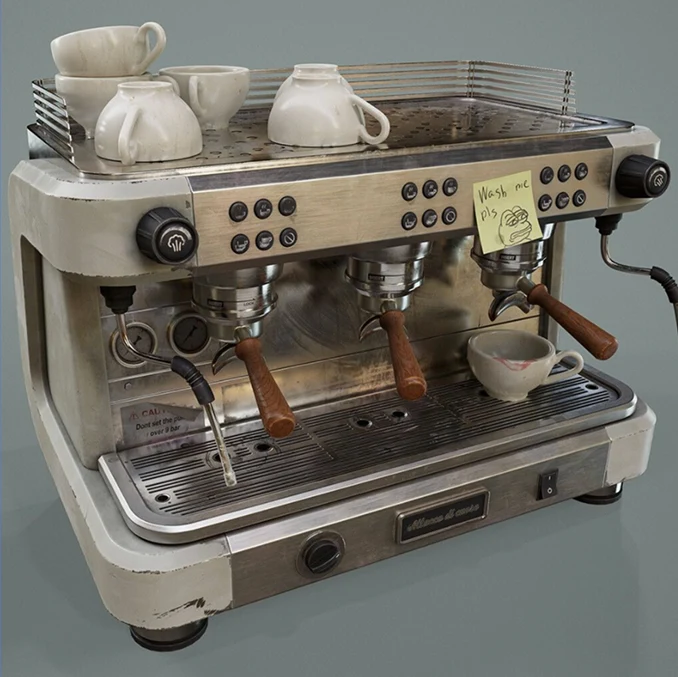
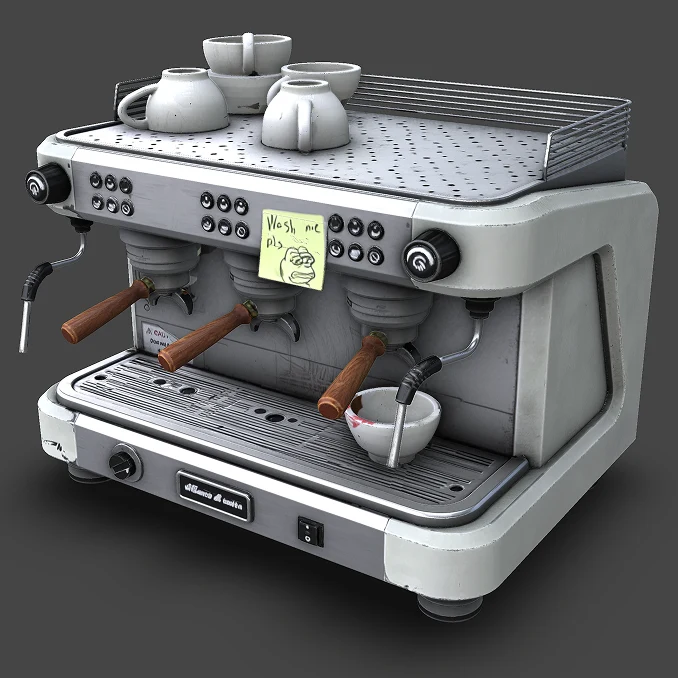
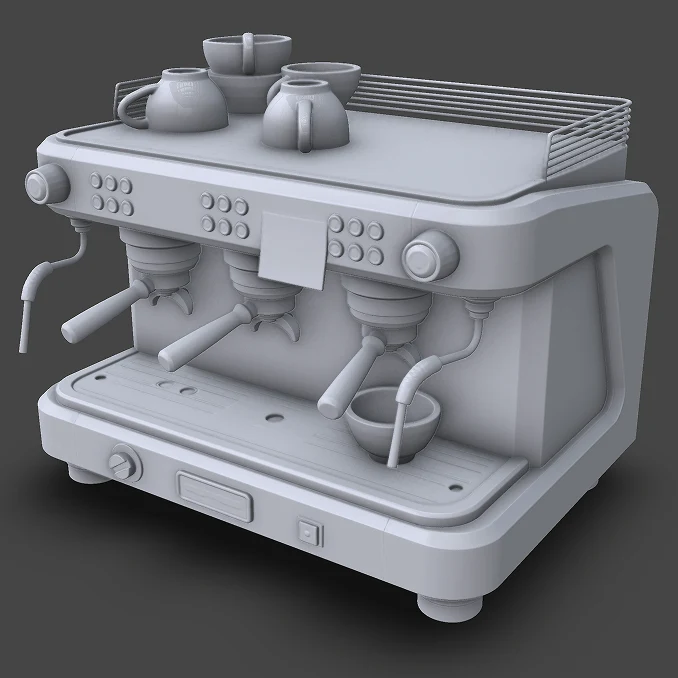
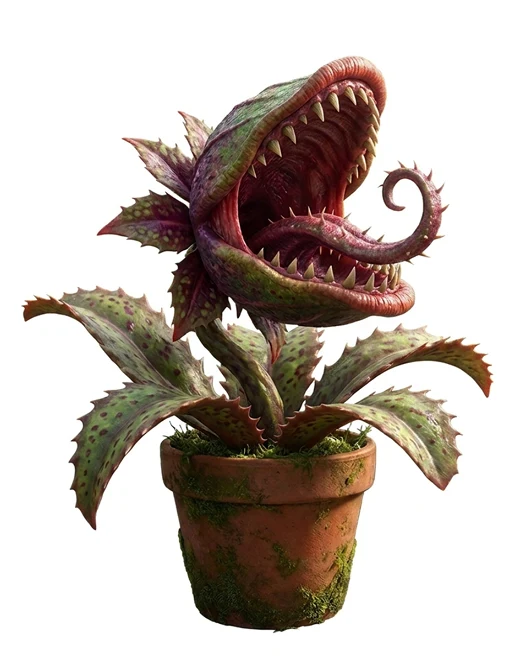
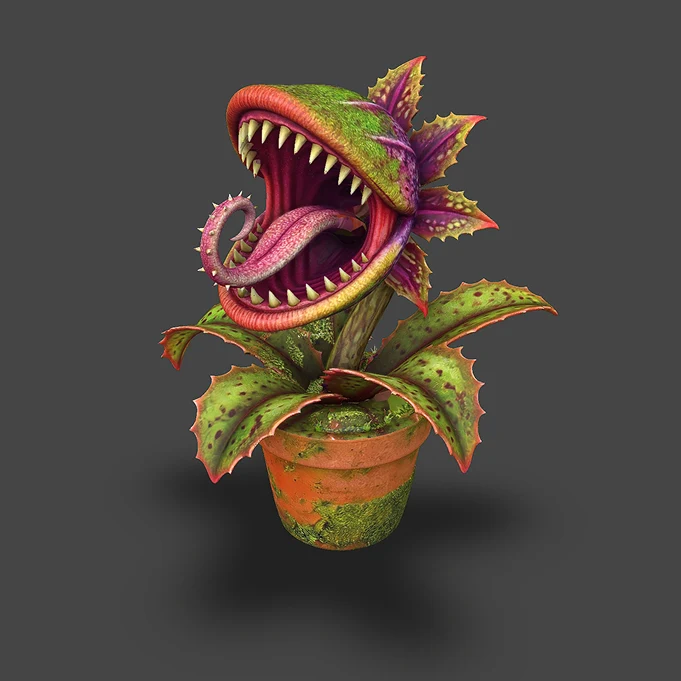
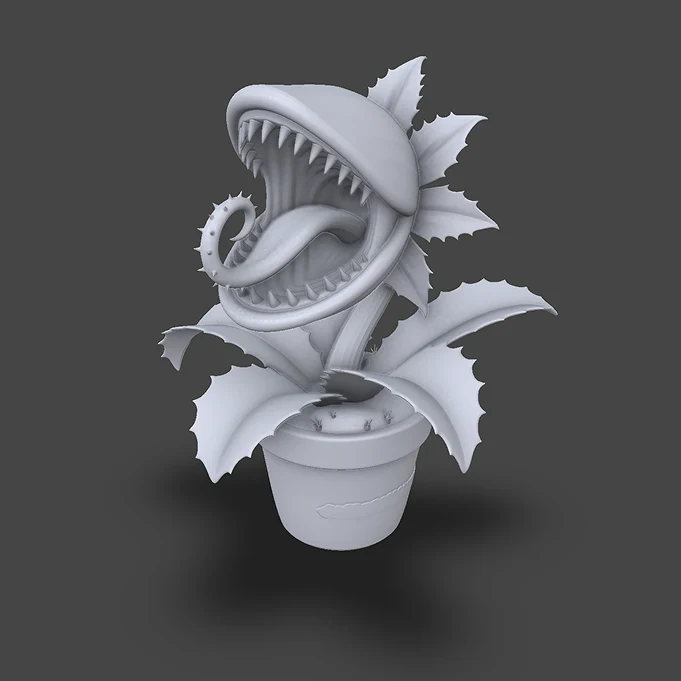
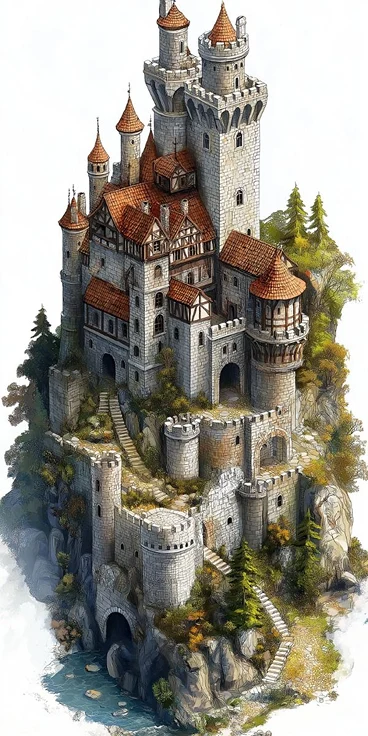
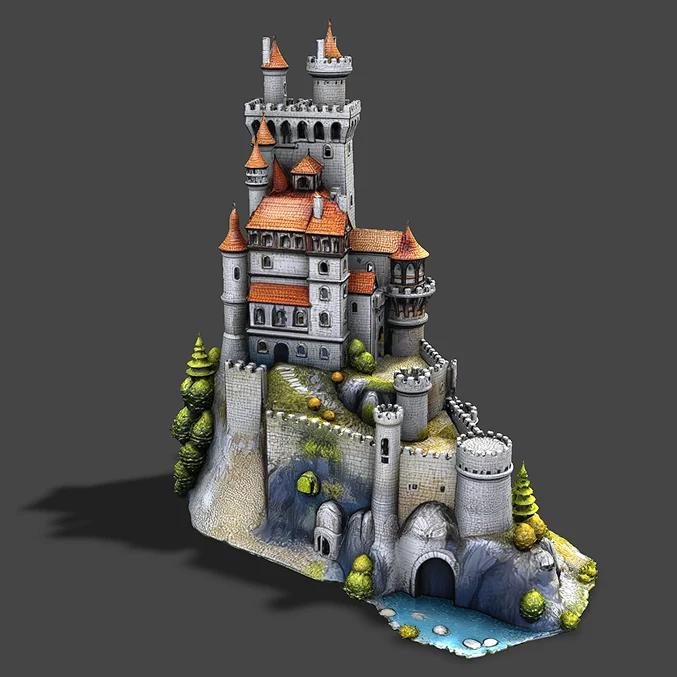
Generation Quality
One of the most accurate image-to-3D solutions on the market. Your image becomes a 3D model with accurate shape, true-to-source color, and detail that holds up from every angle.
Geometry
The generated shape closely follows the source image. Proportions, volume, and spatial structure are reproduced faithfully, so the 3D model reads as the same object, not a loose interpretation of it.
Surface details are well-defined: small features, curvature changes, and structural elements come through with clarity rather than being smoothed away. Sharp edges remain sharp, thin-walled structures hold their form, and complex topology (holes, concavities, interlocking parts) is handled correctly.
The parts of the object not visible in the source image are reconstructed with high plausibility: the back and underside maintain consistent structure rather than falling apart into a blurred guess.
Textures
Each material in the object reads clearly: metal reflects like metal, fabric carries its weave, wood shows its grain. Color reproduction is accurate, and boundaries between different materials land precisely where they should, with no bleeding or smearing.
Textures on hidden and occluded surfaces maintain the same level of quality and consistency as the front-facing side.
Text and fine graphic elements printed on surfaces remain legible in the final model.
We made this as simple as possible
All you need to do is import one image and choose a polygon count.
Drop an image.
Drag it in, paste from your clipboard, or browse for a file the usual way. JPG, PNG, WebP and SVG all work.
Quality takes time.
Generation takes a few minutes and happens on our servers, so closing the tab won't stop it. Come back and it's either still generating, or waiting for you under the Recent generations section.
With Trice you get more than a generation
Your model lands in a full 3D Studio, not a stripped-down generator.
Share and embed
Publish a link or paste an iframe into your site — the same share pipeline every Trice project uses, with the viewer UI under your control.
Optimized by default
Every generated or imported model is optimized immediately. You can also optimize it further with the built-in Optimizer.
Record a video
Three ways to capture motion: free-form screen capture, a seamless turntable spin, or a cinematic fly-through where you place the cameras and choose the transitions between them.
Export images
Snapshots save into slots you can revisit — download them or copy straight to your clipboard. Transparent backgrounds, PNG, JPG or WebP with adjustable compression, and resolution up to 4K.
Build a scene
Generate and arrange as many models as you want in one scene without it slowing down. Add primitives and 3D text, and turn it into a real space for comparing and reviewing results — not just a single spinning model.
Best-in-class viewer
Models render beautifully and stay smooth, with shading and materials handled to a professional standard. Moving around matches it: infinite zoom, double-click to focus on any point, and a fly mode to move through the scene like a drone — on desktop or mobile.
Edit the materials
Full material editor: base colour, roughness, metalness, emission. Fix what the generator got approximately right instead of living with it.
Light and frame it
HDRI environments, soft shadows, and depth of field to pull focus onto the model and blur the background. Swap in any backdrop, transparent included.
Render effects
Ambient occlusion, bloom and anti-aliasing sharpen contact and light. A shadow catcher drops a soft, realistic shadow under the model for clean product shots.
Pay per model, not per month
Generations are bought inside the Studio, on any plan. You just need a free account.
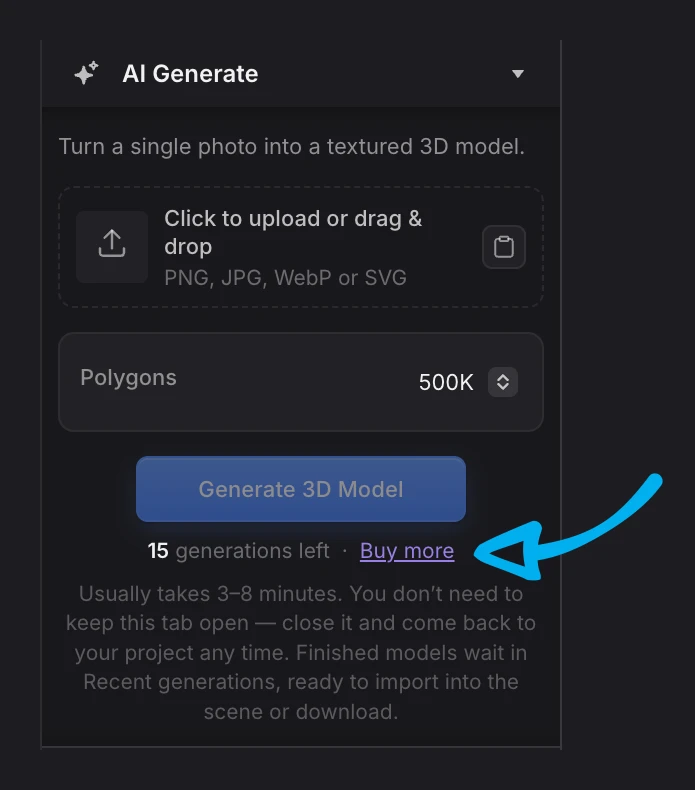
1 generation = 1 model
Polygon count and other settings don't change the cost. One generation gets you the model, textures included.
No subscription needed
Generation is not a Pro feature. It's available on a Free account too, whenever you need it.
Failures cost nothing
Generation failures are rare. If something ever does go wrong, it's returned to your balance automatically.
Frequently asked questions
In our testing, results come out ahead of most of the well-known models out there. We will publish a proper comparison soon, but for now the easiest way to see it is to generate a couple of models yourself.
A single subject on a clean background, shot or rendered from a three-quarter angle, with the whole object visible. Photos, product shots, concept art and renders all work. Avoid heavy shadows across the silhouette, reflections that hide the shape, and images where the object is cropped.
Usually 3–8 minutes (not the fastest option out there, but the quality is worth the wait). You do not have to sit and watch it: keep editing this scene, work on another model, or open a completely different project. The job finishes on our servers regardless, and the result waits for you under Recent generations when you come back.
Yes. Every generation returns a textured PBR model (colour, roughness and metalness).
You pick one of three polygon counts before generating: 100K, 500K or 1M. The price is the same either way.
JPG, PNG, WebP and SVG.
The model is yours. You are responsible for the image you upload — generate from your own photos and renders, or from images you have the rights to use. See our Terms of Service for the full wording.