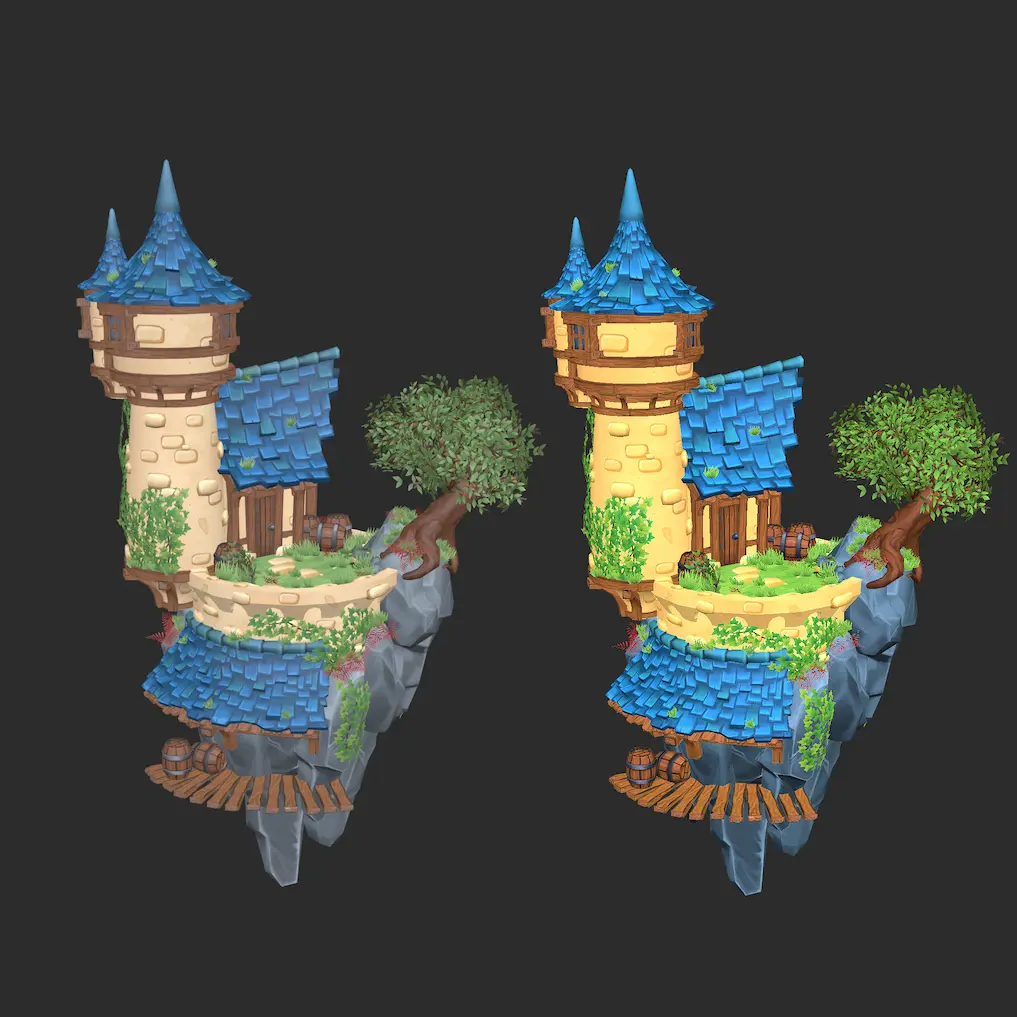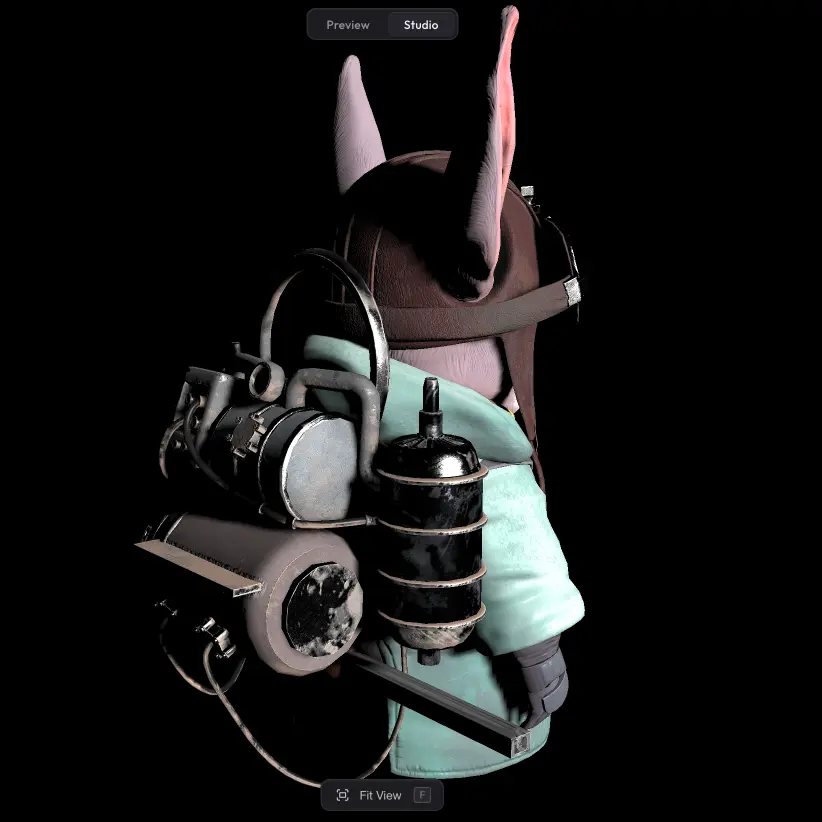
Bloom adds a soft glow around emissive materials — lights, screens, neon signs, anything set to emit light. With bloom on, those surfaces start to feel like real light sources rather than flat coloured panels. By default Trice only blooms emissive materials so that white walls or shiny metal do not accidentally light up, but you can also switch to a standard bloom that picks up any bright pixel in the scene.
Settings #
- Emission only — when on (the default), bloom is applied only to emissive materials. Turn it off to bloom any bright pixel in the scene instead.
- Intensity — how bright the glow is.
- Radius — how far the glow spreads from the source.
- Limit — caps the maximum glow brightness so very bright sources do not blow out the image.
- Threshold, Softness, Color — extra controls available when Emission only is off: brightness cutoff, falloff softness, and a tint colour for the bloom.
Run into any issues? #
Bloom not behaving the way you expect, or missing a setting that should be there? Drop us a line at hello@trice3d.com or join our Discord and tell us what is going wrong or what you would like to see added.