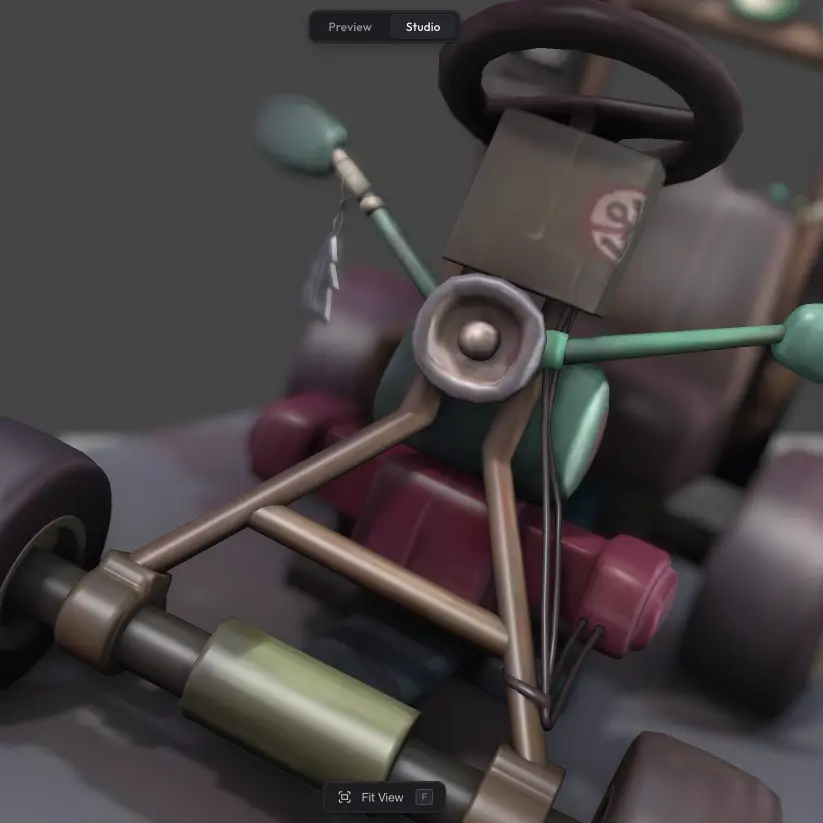
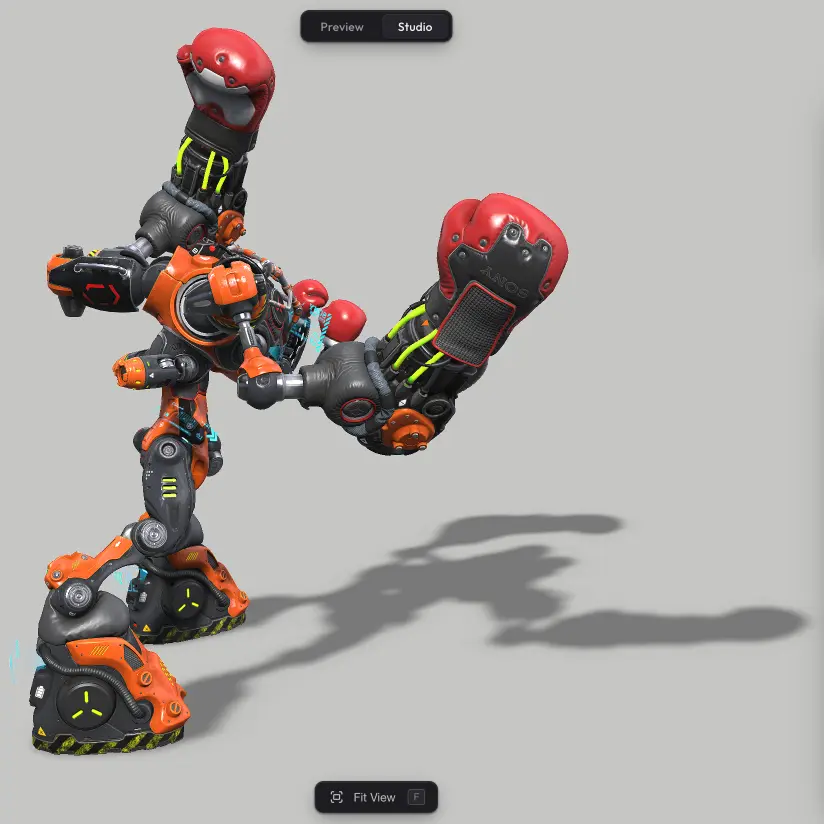
The Turntable feature lets the camera continuously rotate around your model, showing it off from every angle. The rotation also pairs with video export — you can export exactly 360 degrees to get a seamless looping video or GIF of your model spinning.
Turning it on #
Turntable lives in the Camera section of Scene Settings. Switch on the Turntable toggle and a Speed slider appears — that's the whole setup. Positive speed values rotate one way, negative values rotate the other. Once on, the rotation plays automatically in Preview and on the published share URL.
Trying it in Studio #
Studio does not auto-run the turntable so you can keep editing without the camera spinning. Click the Preview button next to the Speed slider to play a preview right in the editor.
Letting viewers stop and start it #
By default, viewers get a play/pause icon overlay to control the turntable themselves. The icon comes from the Turntable checkbox in Viewer Features, which is on by default. Uncheck it if you want the rotation to run without giving the viewer a stop button.
Recording the turntable as a video #
If you want the rotation as a polished video clip — for product pages, social posts, marketing — turn the turntable on, head to Video Export, and capture a full revolution as an MP4 you can drop anywhere.
Need something custom? #
Need different rotation axes, custom start/stop triggers from your own page, programmatic control, or anything else beyond what is here? Drop us a line at hello@trice3d.com or join our Discord and tell us what you need.