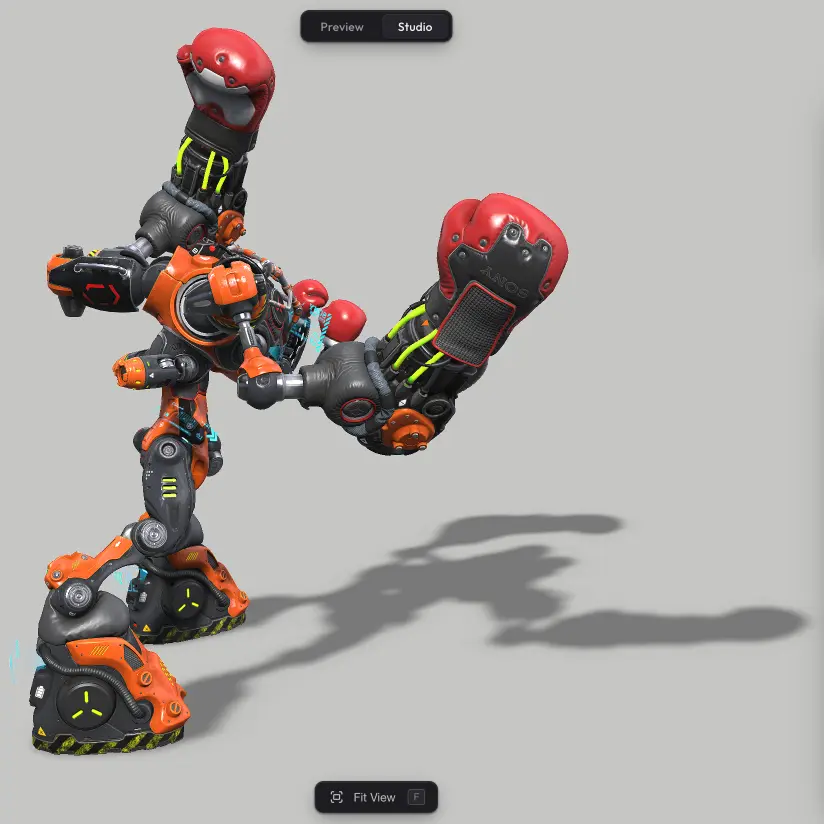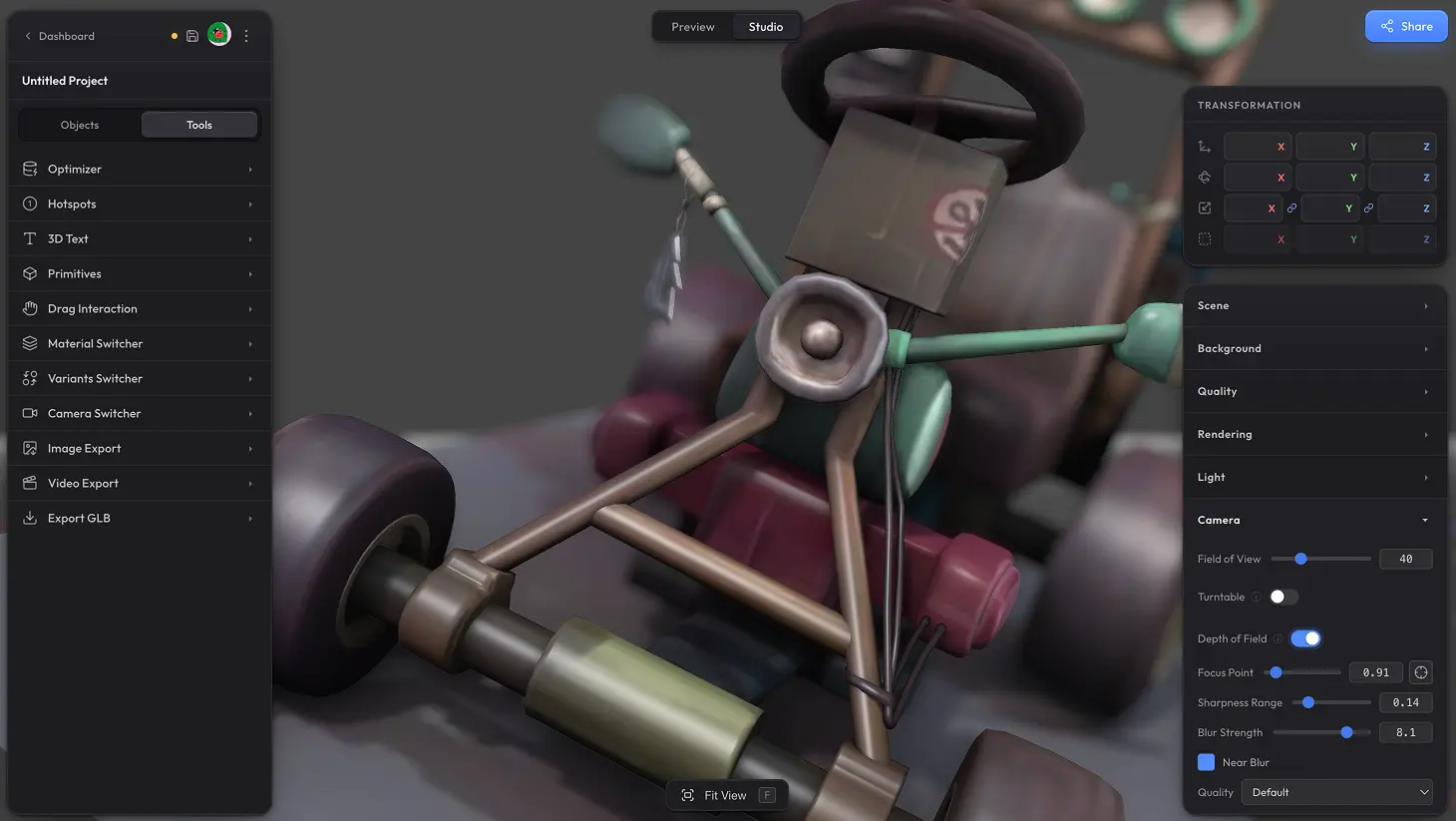
Depth of Field blurs parts of the scene that are away from where the camera is focused, just like a real camera lens. Use it to draw the eye to the subject of your scene, add a sense of depth, or give the whole thing a more cinematic look. And setting the focus point is just one click — tap the part of the model you want sharp.
Settings #
Note: turning on Depth of Field automatically enables Post Processing too — and if Post Processing is later switched off, DOF will turn off with it.
- Focus Point — distance from the camera where the scene stays in focus. There is a picker button next to the slider — click it, then click anywhere in the scene to set the focus point visually instead of guessing the number.
- Sharpness Range — how wide the sharp zone around the focus point is. Larger range keeps more of the scene crisp; smaller range gives a tighter, more dramatic focus.
- Blur Strength — how blurry the out-of-focus areas get. Higher values give more dramatic separation between subject and background.
- Near Blur — when on, also blurs things closer to the camera than the focus point. Turn it off if you only want the background to blur.
- Quality — Fast / Default / High. Higher quality looks cleaner but costs more performance.
Need something custom? #
Need bokeh shapes, animated focus pulls, lens-style aperture controls, or anything else beyond what is here? Drop us a line at hello@trice3d.com or join our Discord and tell us what you would like to see added.