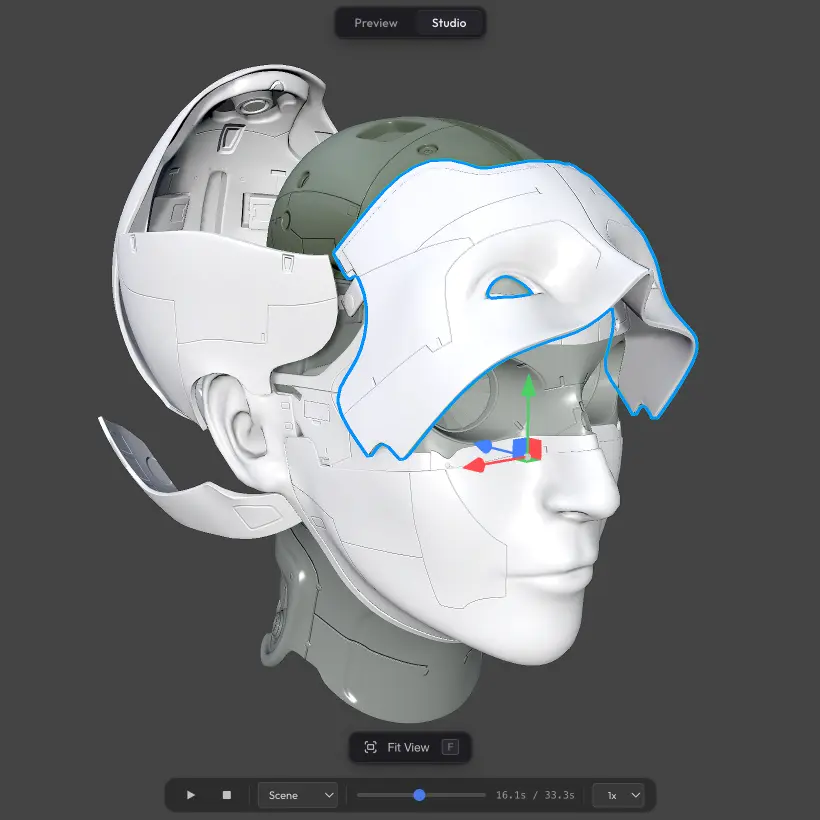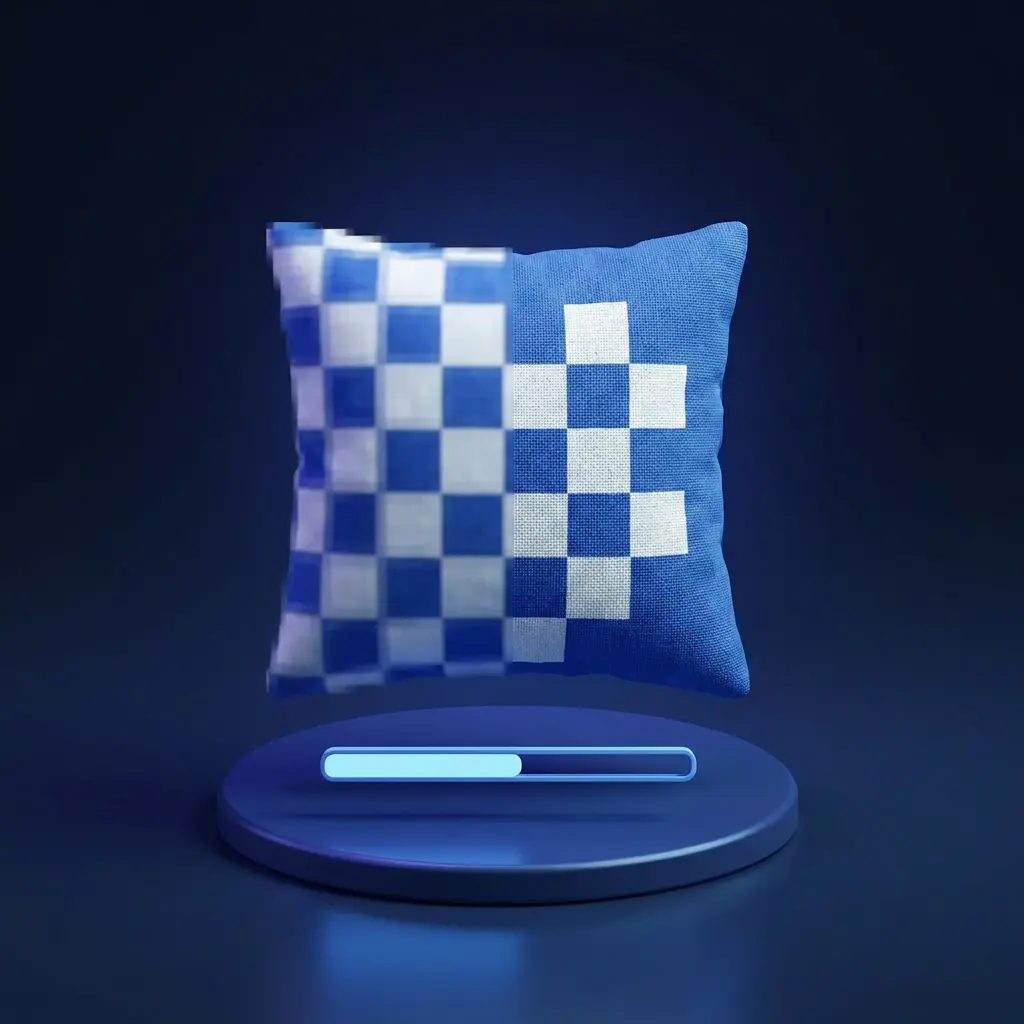
Progressive Textures makes your scene appear almost instantly when someone opens the share URL. Instead of waiting for full-resolution textures to download, low-resolution previews show up first — visitors can already see and rotate the model — and the full-quality textures swap in afterwards as they arrive.
How it works #
When the scene loads, low-resolution previews appear almost immediately, so visitors can see and explore the model right away. While they look around, the full-resolution textures download in the background and swap in one by one as each finishes. By the time the viewer focuses on a specific part of the model, that texture is usually already in full quality.
How to enable #
Progressive Textures is off by default. Turn it on from Viewer Features if you need the scene to load as fast as possible.
Need something custom? #
Want different preview resolutions, manual control over which textures load first, or anything else beyond what is here? Drop us a line at hello@trice3d.com or join our Discord and tell us what you would like to see added.