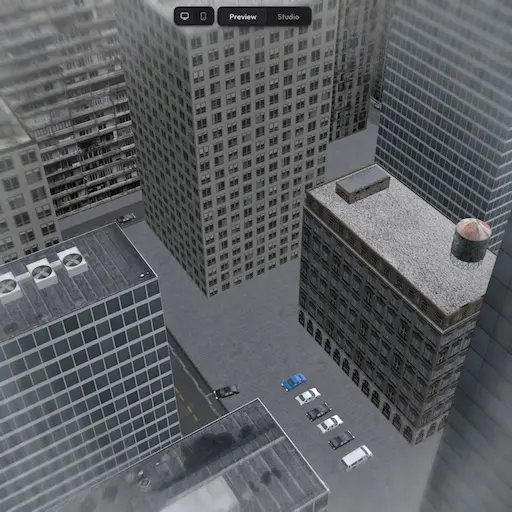
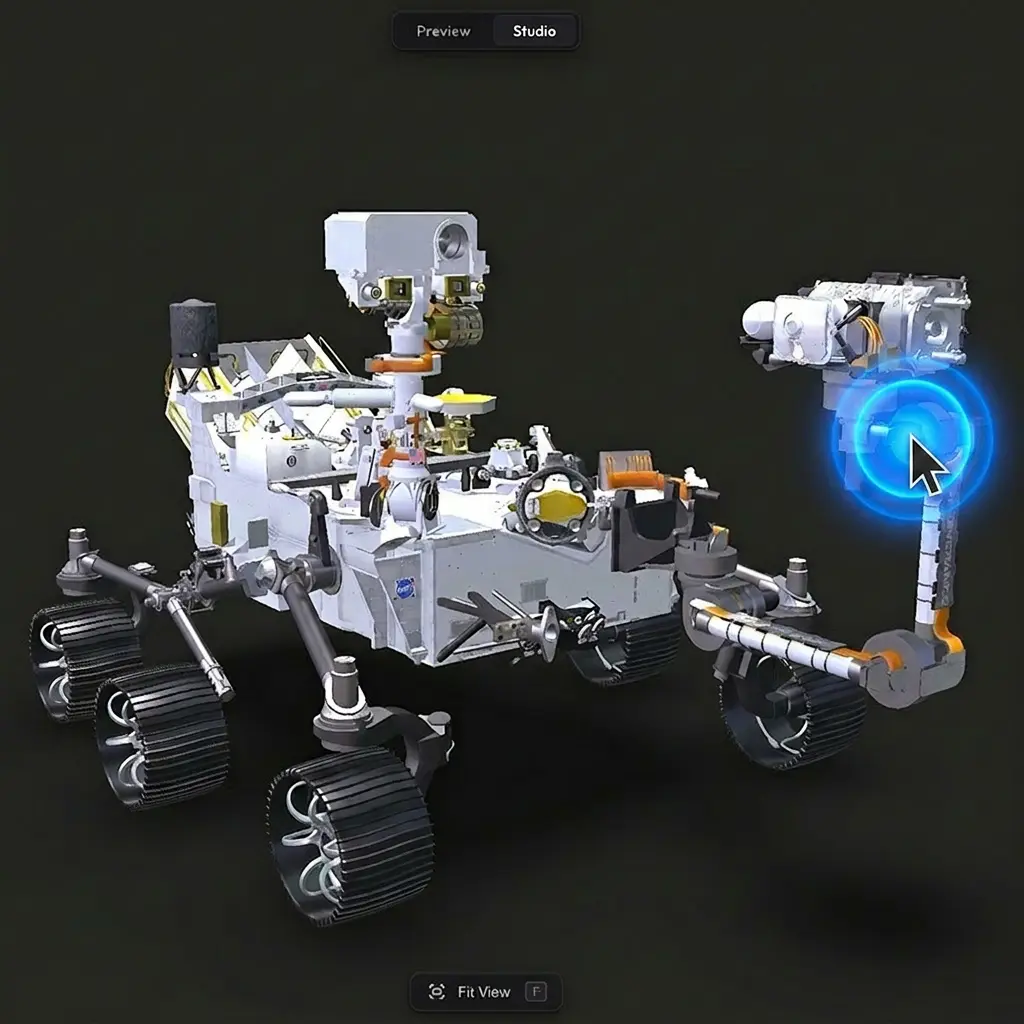
By default, your scenes load automatically when someone opens them. If you would rather have the scene wait for a click before it starts loading, you can turn Autoplay off to switch to that behaviour.
When to turn it off #
Turning Autoplay off can be useful when the scene is heavy and you do not want it to start downloading until the viewer is ready, or when the page has multiple Trice scenes embedded and you do not want all of them firing up at once. For most single-scene pages, leaving Autoplay on gives the smoothest first impression.
How to enable #
Autoplay lives in Viewer Features as a single toggle. It is on by default — flip it off if you want the click-to-load behaviour instead.
Need something custom? #
Need a custom play button design, autoplay only on certain devices, or anything else beyond what is here? Drop us a line at hello@trice3d.com or join our Discord and tell us what you would like to see added.