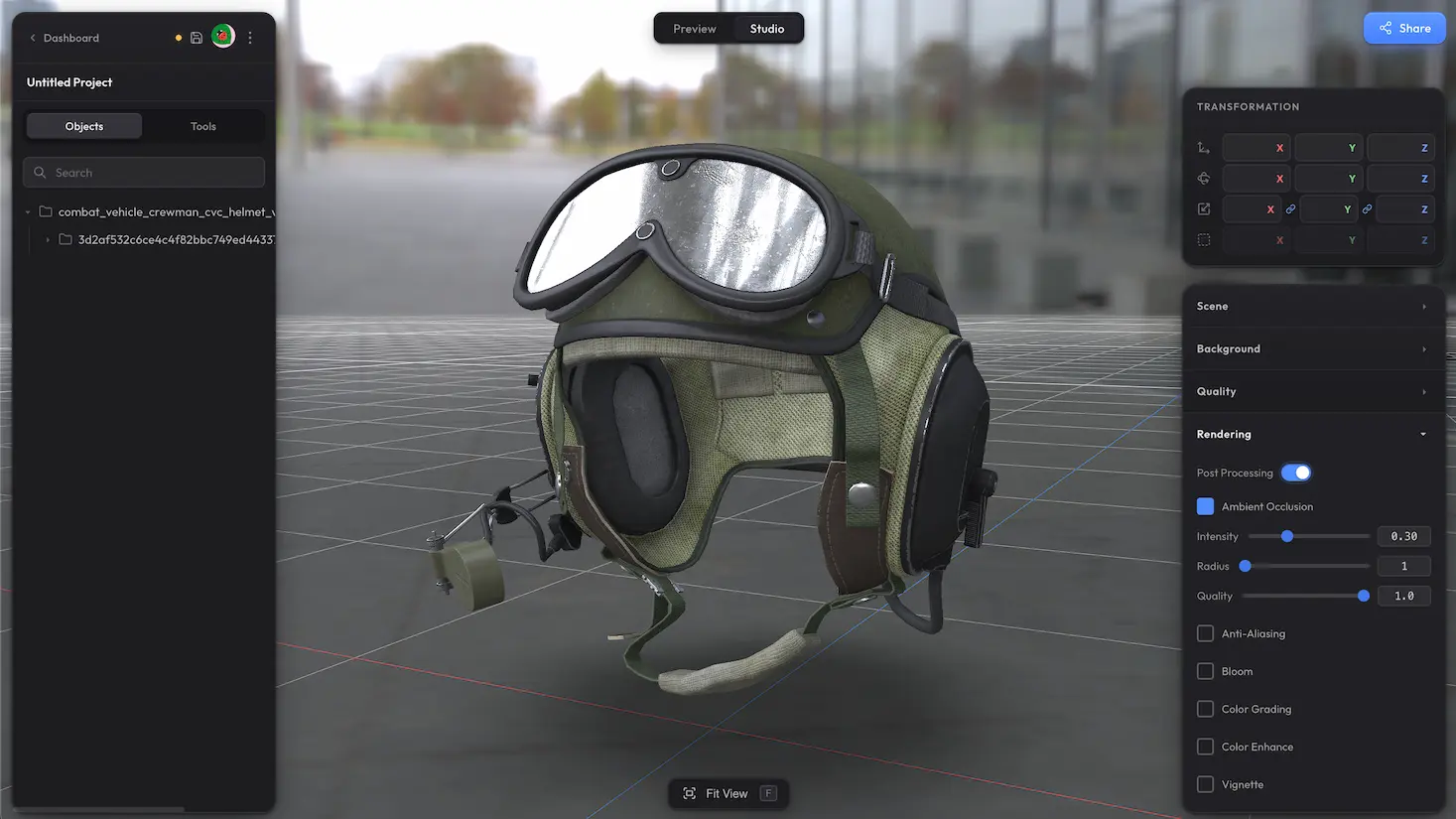
Background Settings controls what is behind your model. Pick a solid colour, make it transparent, or set an HDR environment as a visible backdrop. Trice ships several HDR environments built in — pick one from the dropdown and rotate it to taste.
Modes #
- Solid Color — flat background colour with a picker
- Transparent — for iframe embedding into a page with its own background
- Infinite Sphere — HDR environment mapped on a sphere around the scene (the standard skybox)
- Projective Dome — HDR projected as a ground dome, so the model appears placed in the environment
- Projective Box — HDR projected as a box, similar grounding effect with a different shape
Transparent for embedding #
Transparent mode does a full alpha-correct render so the canvas composites cleanly over any HTML background. Drop the share URL into an iframe on a page with its own background colour, gradient, or imagery, and the model blends through.
HDR skies — built in or your own #
Trice ships several HDR environments covering studios, outdoor scenes, abstract, and dramatic looks. Pick one from the Skybox dropdown and rotate it with the slider until the lighting and reflections look the way you want. Even if you keep a solid colour as the visible backdrop, the chosen HDR still drives image-based lighting on the model. None of the built-in skies fit? Drag and drop your own .hdr file onto the scene.
Missing some options? #
Need gradient backgrounds, support for plain image files (PNG, JPG, WebP) as a backdrop, video backgrounds, or anything else beyond what is here? Drop us a line at hello@trice3d.com or join our Discord and tell us what you need.